
Server Logic enables makers and developers to execute business logic securely on the server. However, connected business applications often need website experiences to participate in processes that extend beyond the site.
We are introducing support for invoking Power Automate cloud flows from Server Logic in Power Pages. This extends existing Power Automate integration capabilities by enabling cloud flows to participate directly in server-side business logic.
Combining Business Logic with Automation
Business applications rarely operate in isolation. Customer interactions that begin on a website often continue through approvals, integrations, notifications, and other business processes.
By invoking cloud flows from Server Logic, organizations can combine website-specific business logic with automation in Power Automate. This helps reduce duplication and enables existing business workflows to be reused across Power Pages applications.
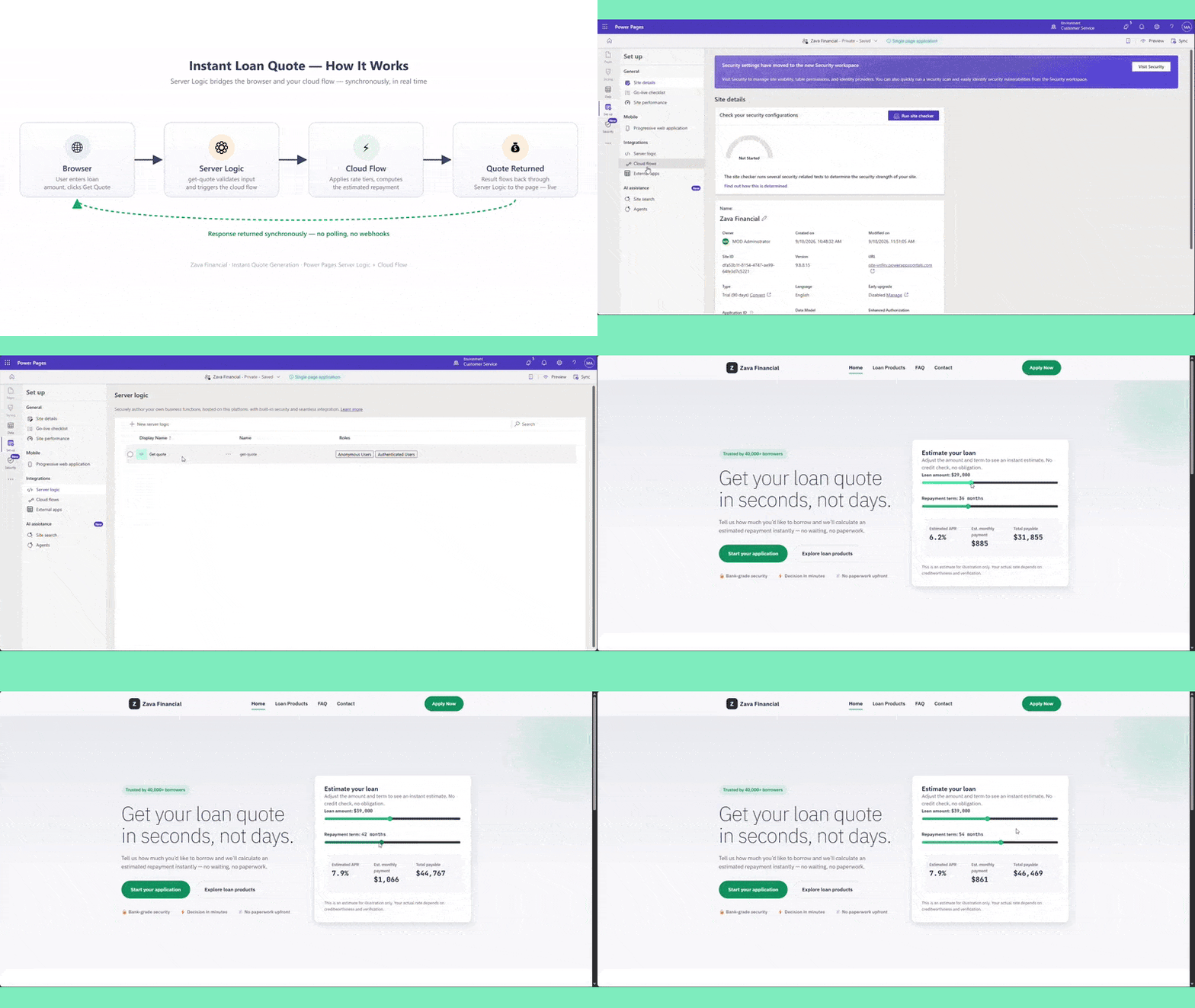
Bringing the Power Platform Connector Ecosystem to Server Logic
Power Automate serves as an automation and integration layer for many organizations, providing connectivity to more than 1,400 external services and data sources across Microsoft services, third-party applications, and custom systems.
Cloud flow invocation extends the reach of Server Logic into existing automation and integration investments across Power Platform. Instead of creating separate integration approaches for Power Pages, organizations can reuse established workflows, connectivity patterns, and governance practices.
To learn how to configure and use cloud flows with Server Logic, see the Power Pages documentation.
We are looking forward to your feedback
Your feedback is crucial in shaping the future of this feature. We want to hear from you!