We are delighted to share our October update for the Power Platform Developer tools. With this update, we are releasing some capabilities that have been in high demand by the developer community. So let us get into it.
Power platform Command line updates
Model builder
We are bringing the ability to generate C# classes for Dataverse APIs and Tables directly from Power Platform CLI. For new developers who want to build applications with Dataverse tables you can now do that. For existing Power Platform Developers, this is the same capability that was provided by the CRMSvcUtil tool. The benefit of using the class generation capability on PAC CLI, is that these classes are .net core compliant.
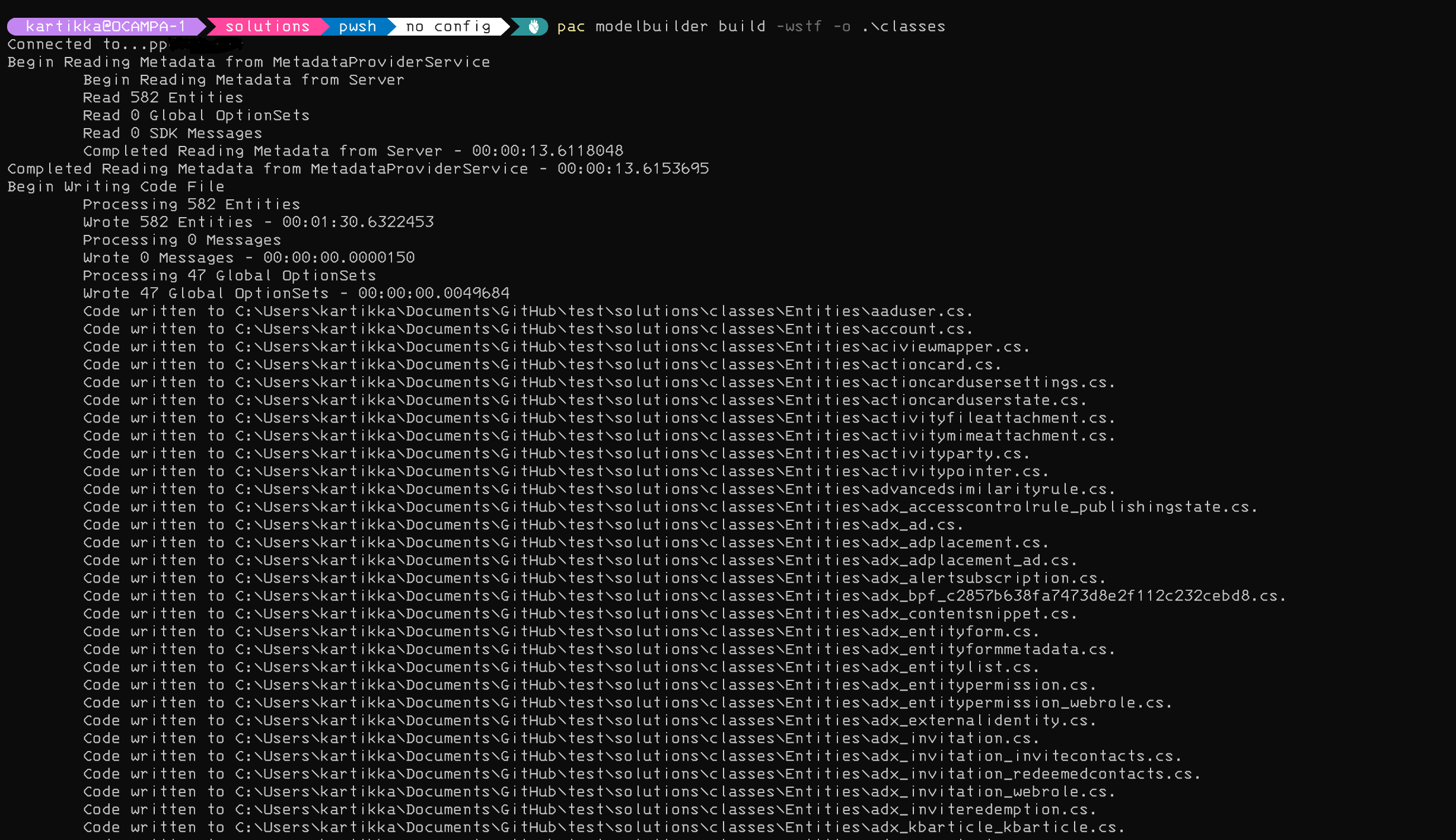
Figure 1: Model builder generating classes
auth with secrets
When we released the capability to create auth profiles with secret, some users noticed that when a secret started with ‘-‘ or hyphen, the auth profile failed to create. This issue has been resolved with this update so please do try it out!
solution pack ,unpack and sync fixes
The pack and unpack commands now support PowerFx formulas in .yaml for Tables.
In addition, we continue to minimize “noisy diff” issues when committing Power Platform artifacts to source code. To that effect, we are now sorting RootComponents, MissingDependecies, and AppModules in the customization.xml files. This ensures that subsequent exports or `pac solution sync` command execution only adds the changed component line entry and does not cause a diff issue with every line.
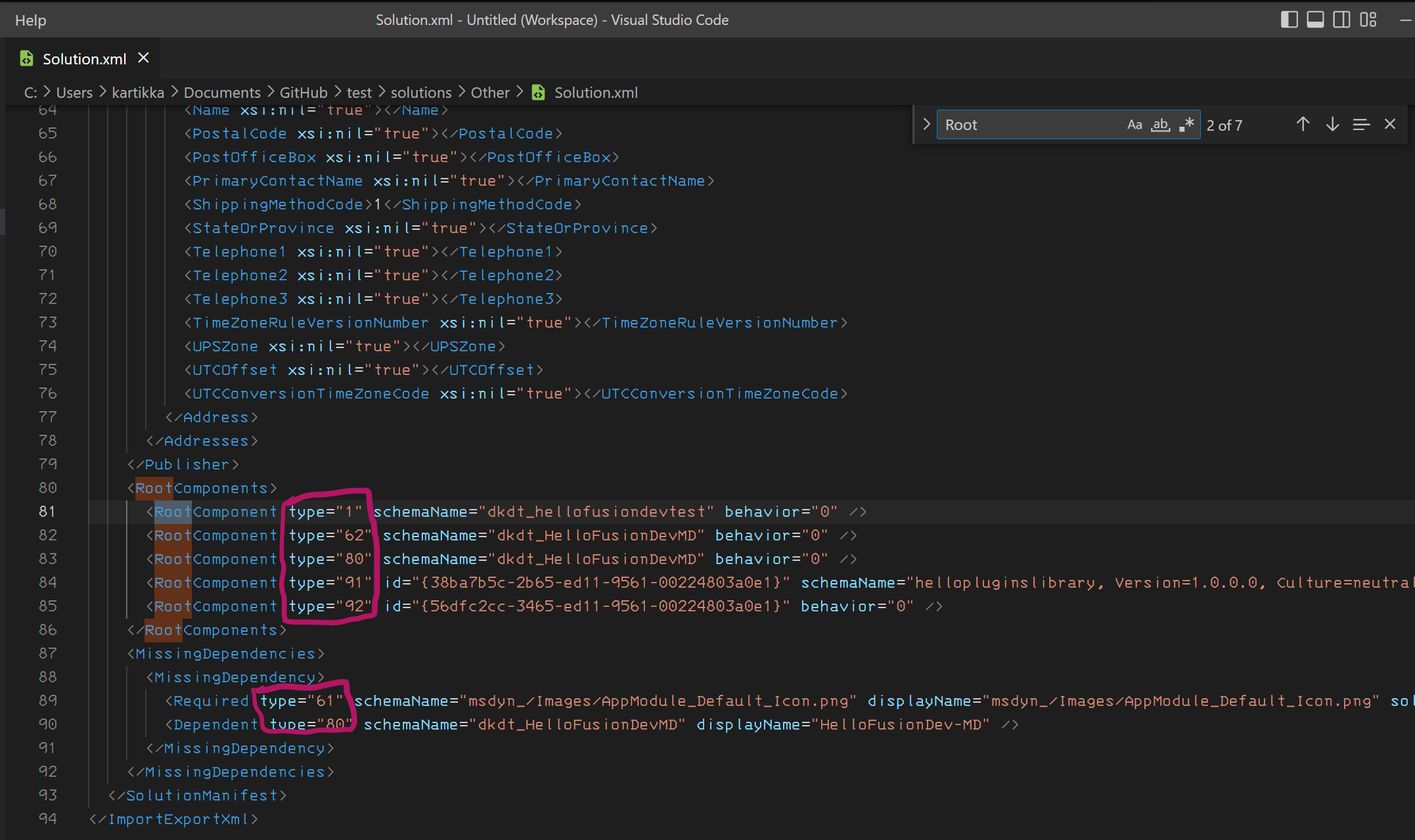
Figure 2: Example of sorting in the Solution.xml with this release
Azure DevOps and GitHub Actions updates
Application Install
A few months ago, we released the ability to install D365 and ISV applications environments from the command line. This was done to make it much simpler to prepare developers and test environments with required applications. With this release, we have now enabled the same for our GitHub Actions and Azure DevOps extension so you can easily include these installs in your CI/CD pipeline. One thing to remember when running the task, you need to have the application list provided as input. You can generate that application list using `pac application list –output applicationlist.json`. Once the JSON file is generated, you can edit it to only include the applications you want to install, reorder the list of applications, and provide it as an input into the CI/CD pipeline.
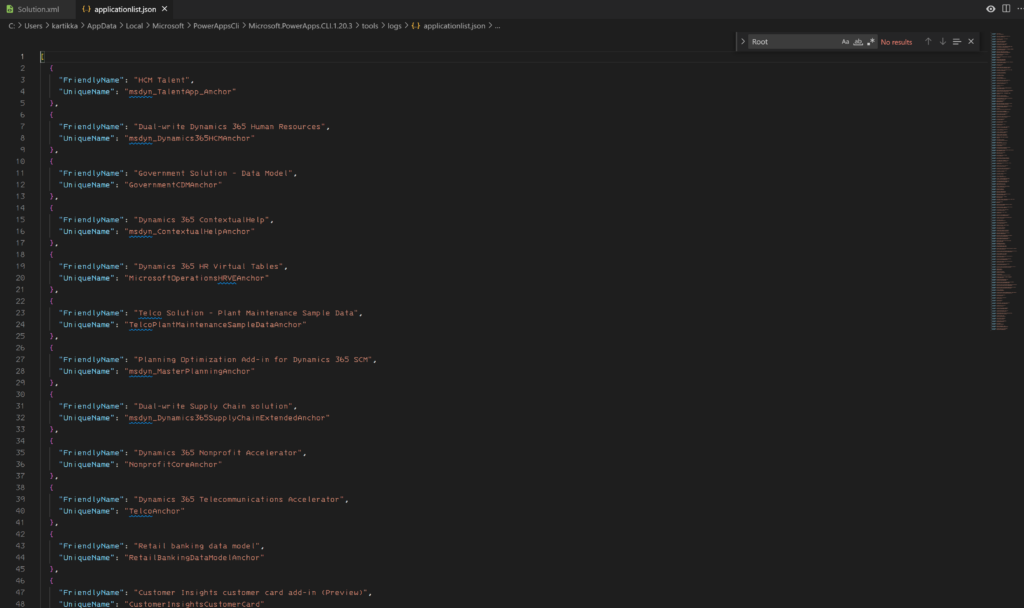
Figure 3: Application Install list json file
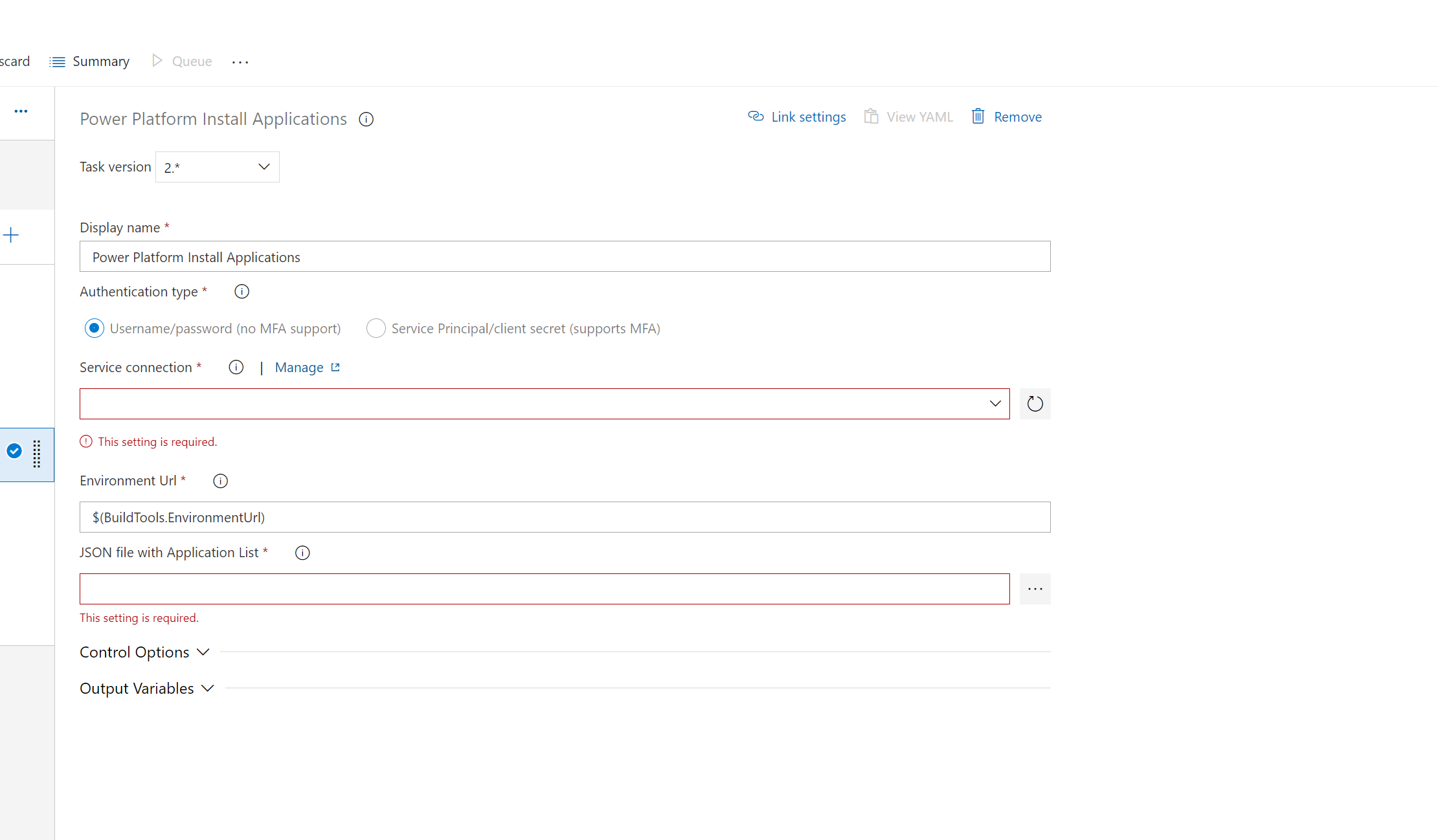
Figure 4: Application Install task
provide run-time settings for package deploy
When deploying packages, users using the command line could sequence how the solutions ran during runtime with the `pac package deploy –settings <Key=Value|Key=Value>`. Now this is possible with the CI/CD tasks.
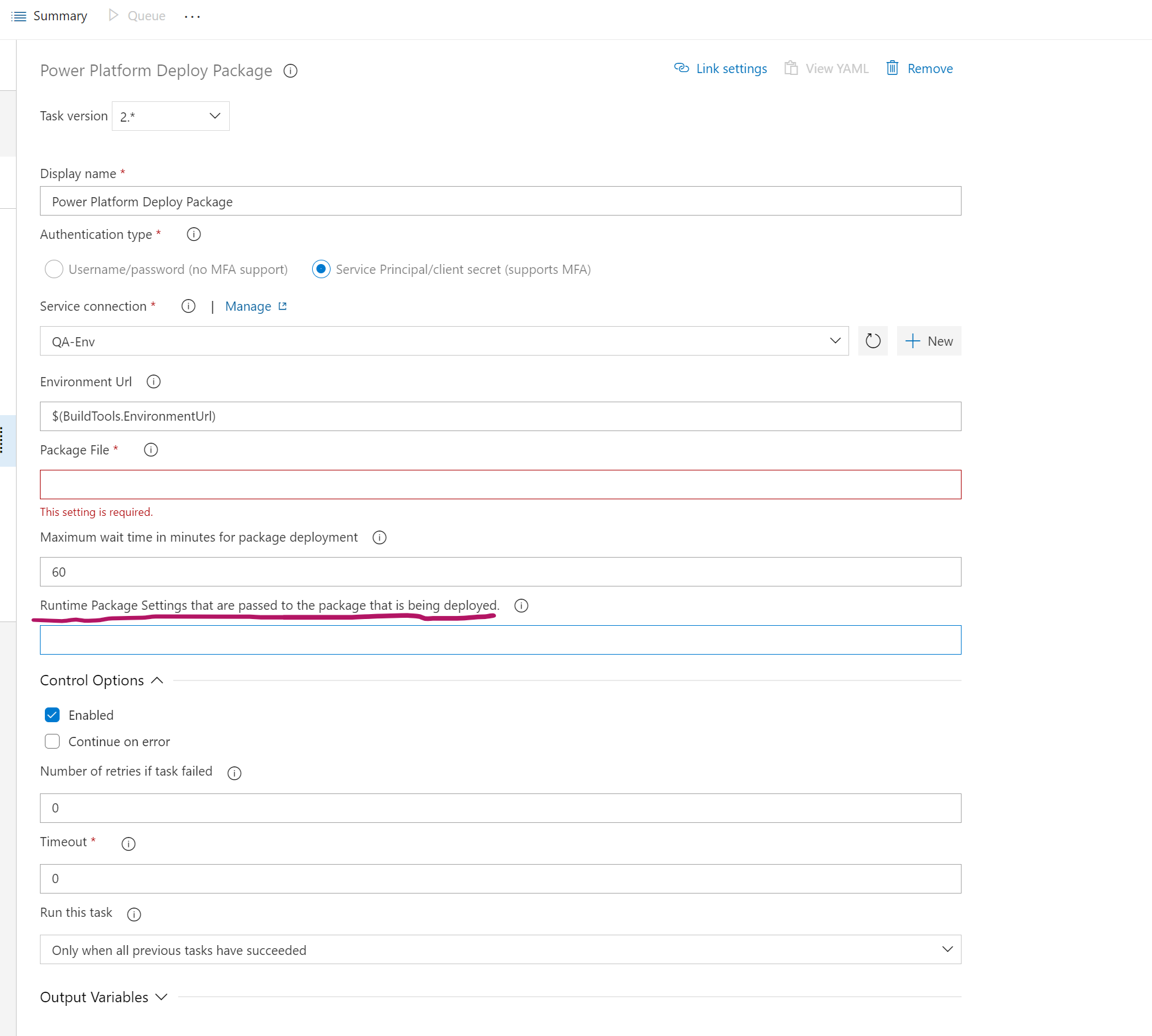
Figure 5: Provide Runtime settings for packages being deployed
If you have additional feedback, please reach out to us via the following forums ISVFeedback@Microsoft.com or The PowerUsers community. Raise the issue and bugs at the following location in GitHub https://aka.ms/powerplatform-vscode