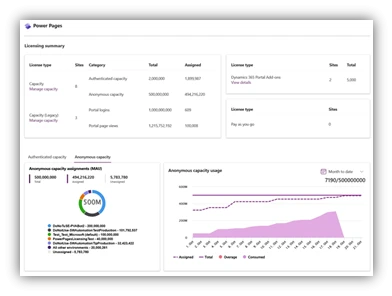
We are excited to announce the all-new licensing dashboard and capacity management experience for Microsoft Power Pages!
Managing your Power Pages licenses has never been so convenient! A new licensing and capacity dashboard gives the administrator an overview of all the license types in use in the tenant, shows all relevant metrics of capacity in the tenant, and allows you to view the daily consumption data from the past three months and monthly consumption data from the past 12 months.
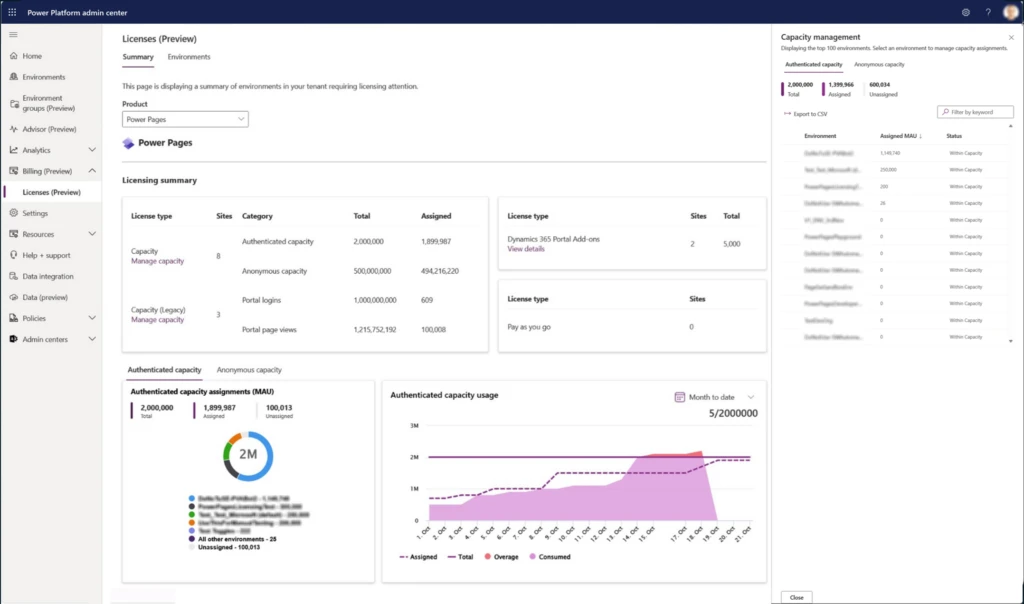
The new capacity management experience provides an overview of how the capacity is assigned between the environments. For environments near or over capacity, the consumption data from the past 3 months is shown in-line to help determine the required capacity for the environment.
In case of any licensing related issues, notifications are shown on the licensing dashboard screen. Administrators will also receive email notification with all the relevant information and links to resolve the issue.
This experience has started rolling out across regions and will be available in all regions by mid-December. Stay tuned for more updates!
For more information, visit https://learn.microsoft.com/power-pages/admin/capacity-management