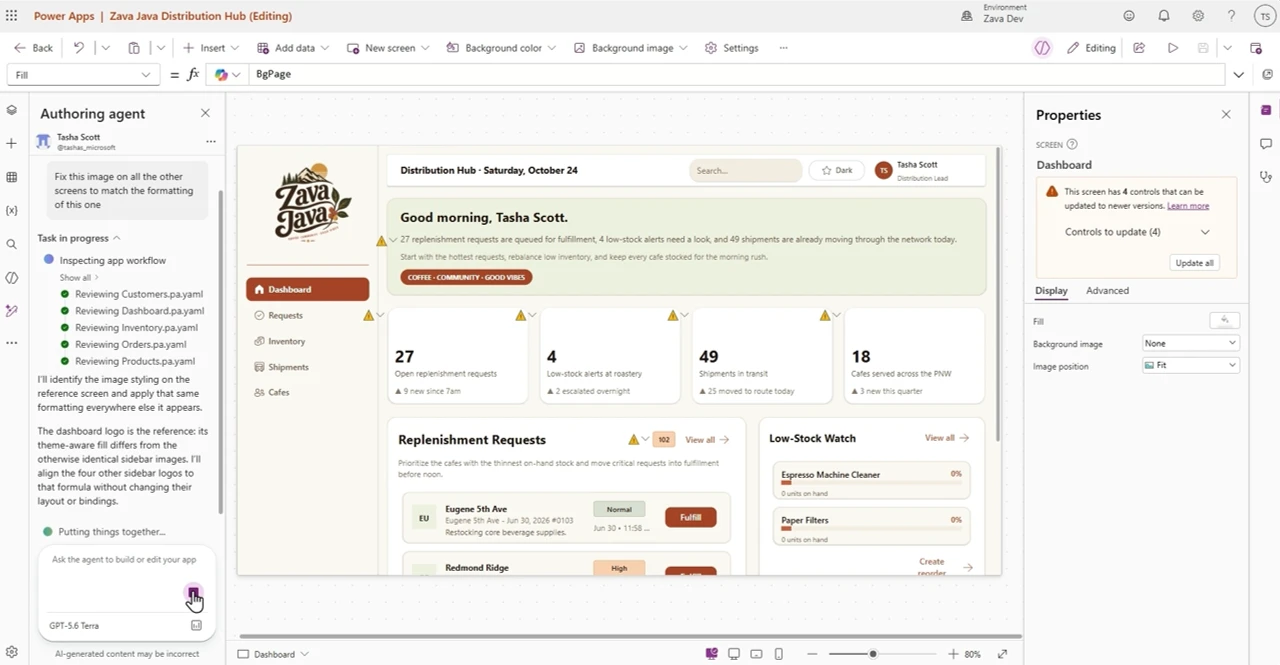
Building a business app on Dataverse rewards expertise. First you design the tables and wire up the relationships. Then you think about security and load test data. Only after that do you start on the app itself. However, each step lives in a different tool, and each handoff costs time. The Dataverse plugin for Copilot Cowork brings it all together.
At PPCC 2026 we shared that the Dataverse plugin is now available in Copilot Cowork. In this post I want to show what that looks like in practice: one prompt, a real Dataverse data model, and a published app. Moreover, governance is built in at every step.
What the Dataverse plugin builds from one prompt
In the demo, I ask Cowork for an event registration app for a community team. Events need a venue, a date, start and end times, and a capacity. Registrations should reuse the contacts we already have in Dataverse. Also, each person can register only once per event. Once an event is full, later sign-ups go onto a waitlist.
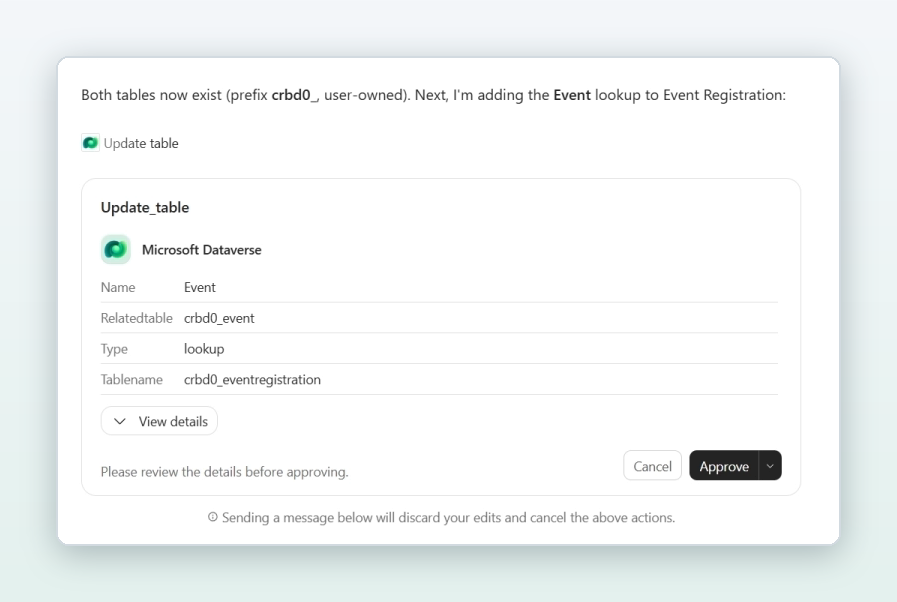
The Dataverse plugin gives Cowork a connection to my environment. It also brings a set of skills for data modelling, records, business logic, security and solutions. With those skills loaded, Cowork plans the work the way a seasoned Dataverse maker would. First, it creates an Event table and an Event Registration table. Next, it adds the relationships in separate, reviewable steps. Most importantly, it links registrations to the existing Contact table instead of inventing another list of people. As a result, the app builds on data the organization already trusts.
Cowork then seeds four sample events with registrations. It deliberately fills one event to capacity, so the waitlist logic gets exercised. It also marks every seeded row as sample data, which makes it easy to find and remove later.
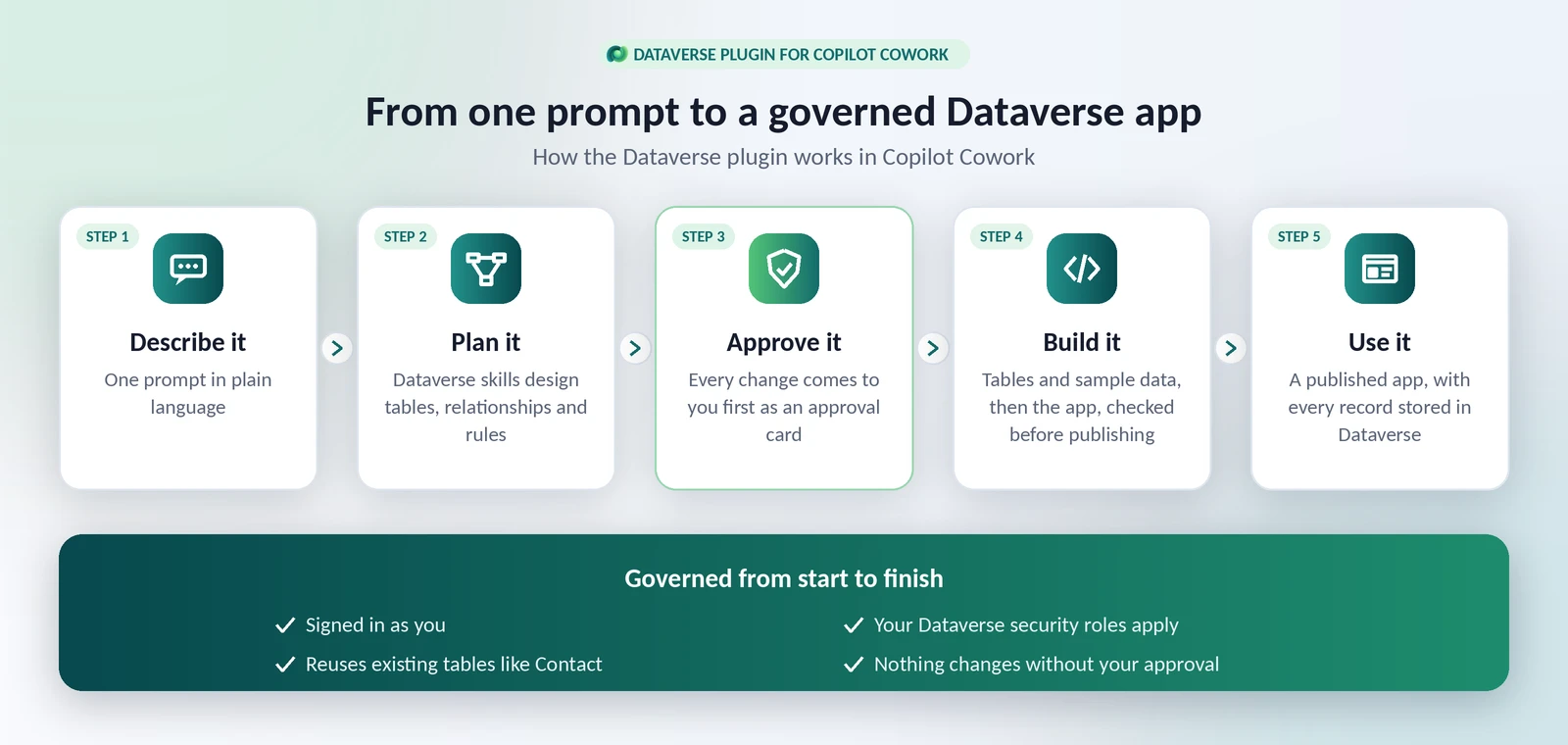
Governance is part of the flow, not an afterthought
Agents that write to a system of record have to earn trust. That is why the Dataverse plugin keeps you in control the whole time.
First, the connection signs in as you. Cowork can only see and change what your Dataverse security roles allow. Dataverse checks every request on the server, so the plugin cannot bypass or escalate permissions. Second, every change comes to you first as an approval card. As a result, nothing happens behind your back. Finally, the work happens in your own environment. The tables Cowork creates are ordinary Dataverse tables. They are ready for the security roles, solutions and lifecycle practices your team already uses.
One detail in the demo shows this well. Before building the app, Cowork noticed that the app builder’s default environment had no Dataverse database. Instead of guessing, it asked me for the right environment. Then it confirmed the tables lived there and created the app next to its data. Because the app and the data sit together, security and governance apply in one place.
From data model to published app
With the data in place, Cowork switches to its native app-building flow. It creates the app, binds it to the two Dataverse tables and applies a theme. Then it writes the data layer and screens. Before publishing, it runs the checks a careful engineer would run: type checking, linting, a full build and a visual review of the layout. When everything passes, Cowork publishes the app.
The published app runs in Microsoft Copilot Managed Runtime (preview). As a result, it uses Microsoft Entra sign-in and follows your tenant’s governance policies from the moment it is created. Admins can also see, monitor and manage it in the Microsoft 365 admin center.
The result is a Community Event Registrations app with an Organizer view and a Check-in view. For example, upcoming events show their date, venue and how full they are. Each event lists its registrations, with check-in and cancel actions.
The rules you described, enforced
To test it, I add an event: a Pumpkin Carving Showdown with three seats. Next, I register people straight from our Dataverse contacts. One, two, three, and the event is full. When I register a fourth person, they do not get a seat. Instead, they go onto the waitlist automatically, exactly as the original prompt asked.
Opening the Event and Event Registration tables in Power Apps confirms it. In other words, every action in the app was written to Dataverse. There is no separate database and no copy of the data to keep in sync. In addition, the same records are ready for the rest of Power Platform: Power Automate, Copilot Studio agents and reporting.
Get started with the Dataverse plugin
- In Copilot Cowork, open Customize and select the Microsoft Dataverse plugin.
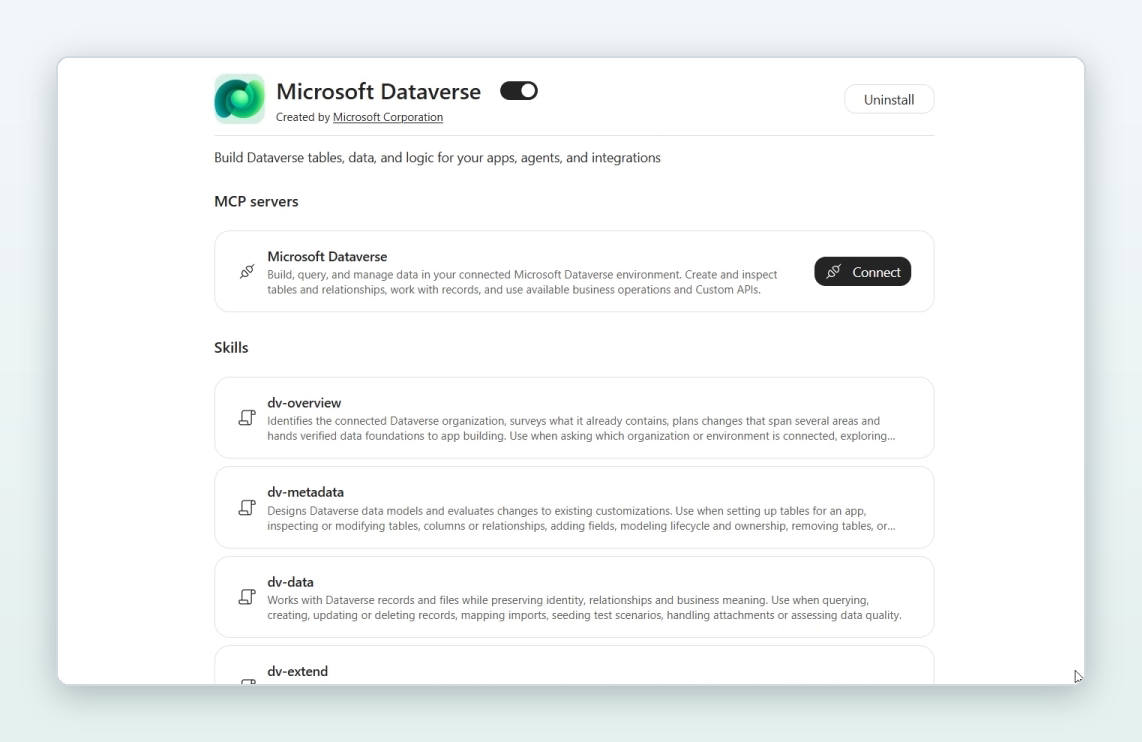
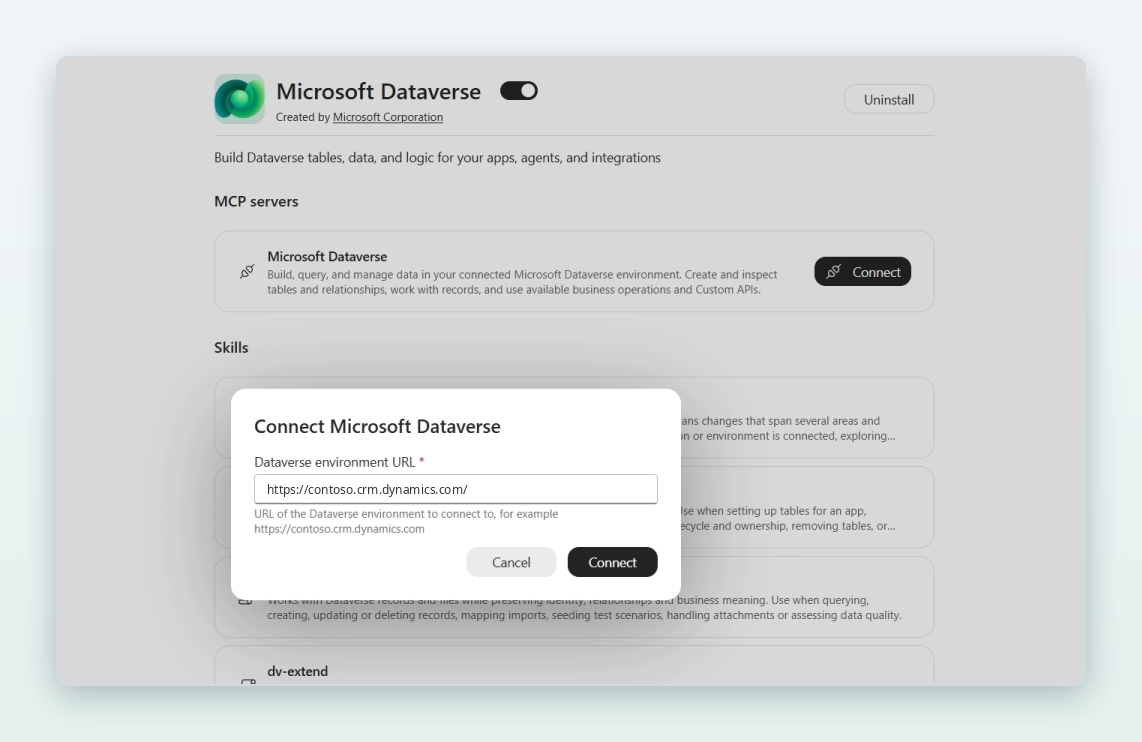
- Select Connect and enter your Dataverse environment URL. The plugin signs in as you.
- Describe the app you need in plain language, review each approval card, and let Cowork build.
A developer environment from the Power Apps Developer Plan is a great place to try it. Building apps in Cowork currently requires enrollment in the Frontier program.
What’s next for the Dataverse plugin
Cowork is one of a growing number of places where Dataverse is available. Others include GitHub Copilot, Claude, Codex and ChatGPT, Cursor, Gemini CLI, Google Antigravity and n8n. In short, our goal is simple. Wherever you build, Dataverse should be the trusted business-data layer underneath, with the same skills and the same guardrails. Install instructions for each platform are in the Dataverse skills repository on GitHub.
We would love to hear what you build first. Share your feedback and ideas with us.