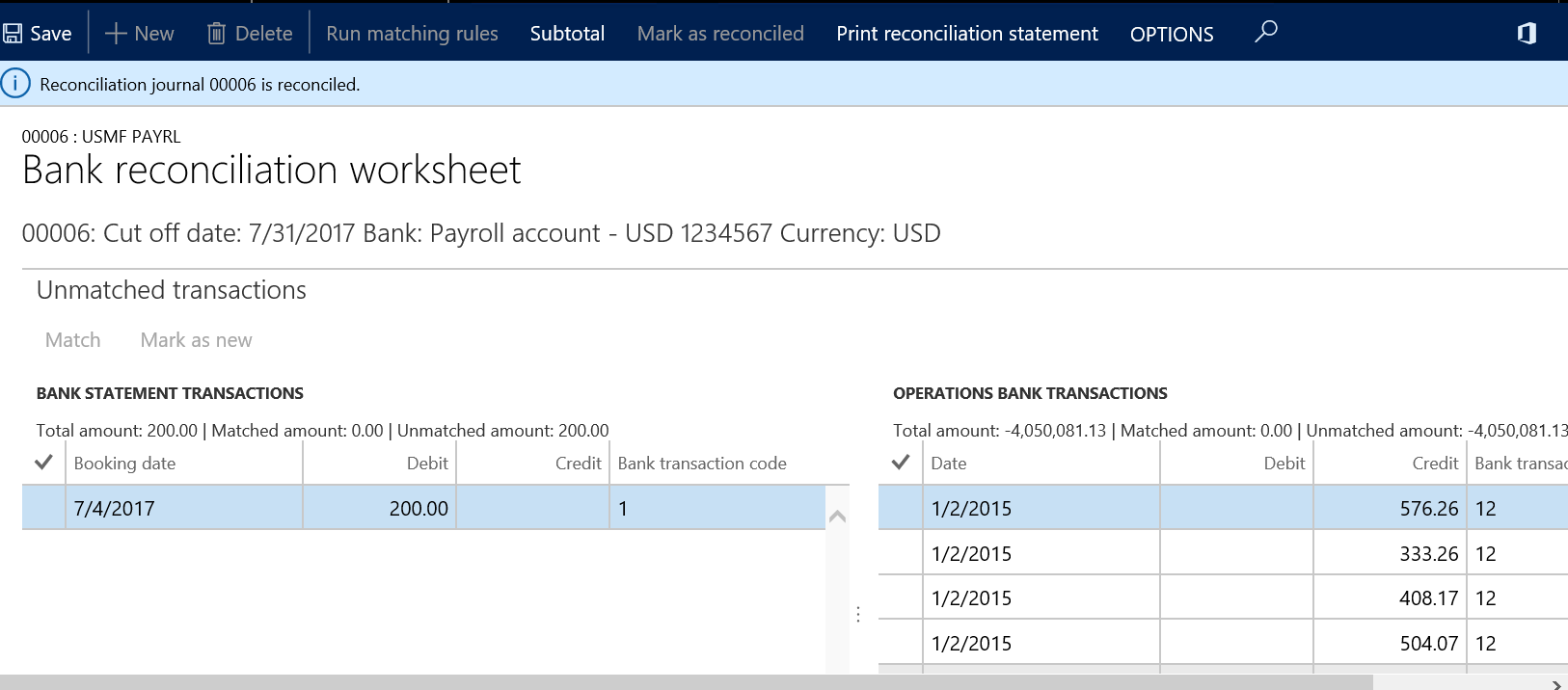
In Microsoft Dynamics Ax and Dynamics 365 for Finance and Operation, the system allows users to mark the Bank Reconciliation for a statement as reconciled even if there are no amounts matched.
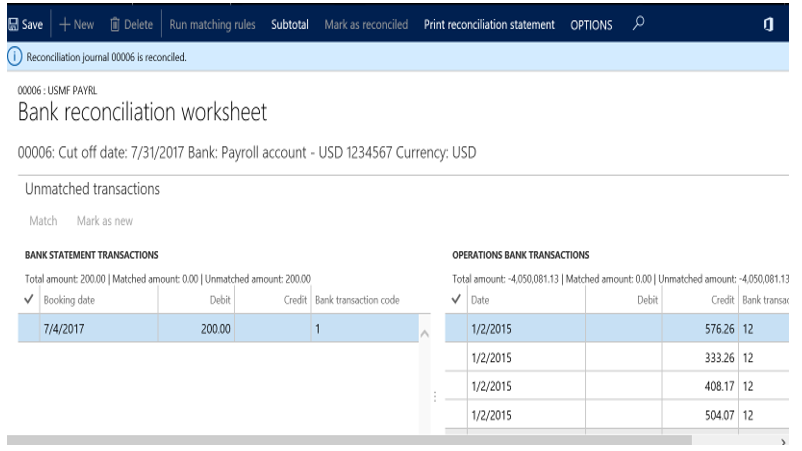
This is now documented in the link below with the following information:
The bank reconciliation for a statement can be marked as reconciled at any time, even if there are bank statement lines that have not yet been matched. The unmatched transactions will automatically move to the next reconciliation worksheet as unmatched bank statement transactions to be reconciled. Note that once a bank statement reconciliation has been marked as reconciled, it cannot be undone. The reconciliation will no longer be editable and you will no longer have the ability to make updates to that reconciliation.
https://docs.microsoft.com/en-us/en-us/dynamics-365/blog/unified-operations/financials/cash-bank-management/reconcile-bank-statements-advanced-bank-reconciliation
![Avatar of Marian Chang Wrice [MSFT]](https://secure.gravatar.com/avatar/024e9b9e1272a9a12d35c8cd74f4c7224bf2813aadd6b4bb88041da66ecb13ac?s=212&d=mm&r=g)