We’re making it easier to work with Power Platform products across the entire portfolio. Power Apps users can now access a Chatbots component in the Power Apps maker portal in order to create and manage their Power Virtual Agents bots.
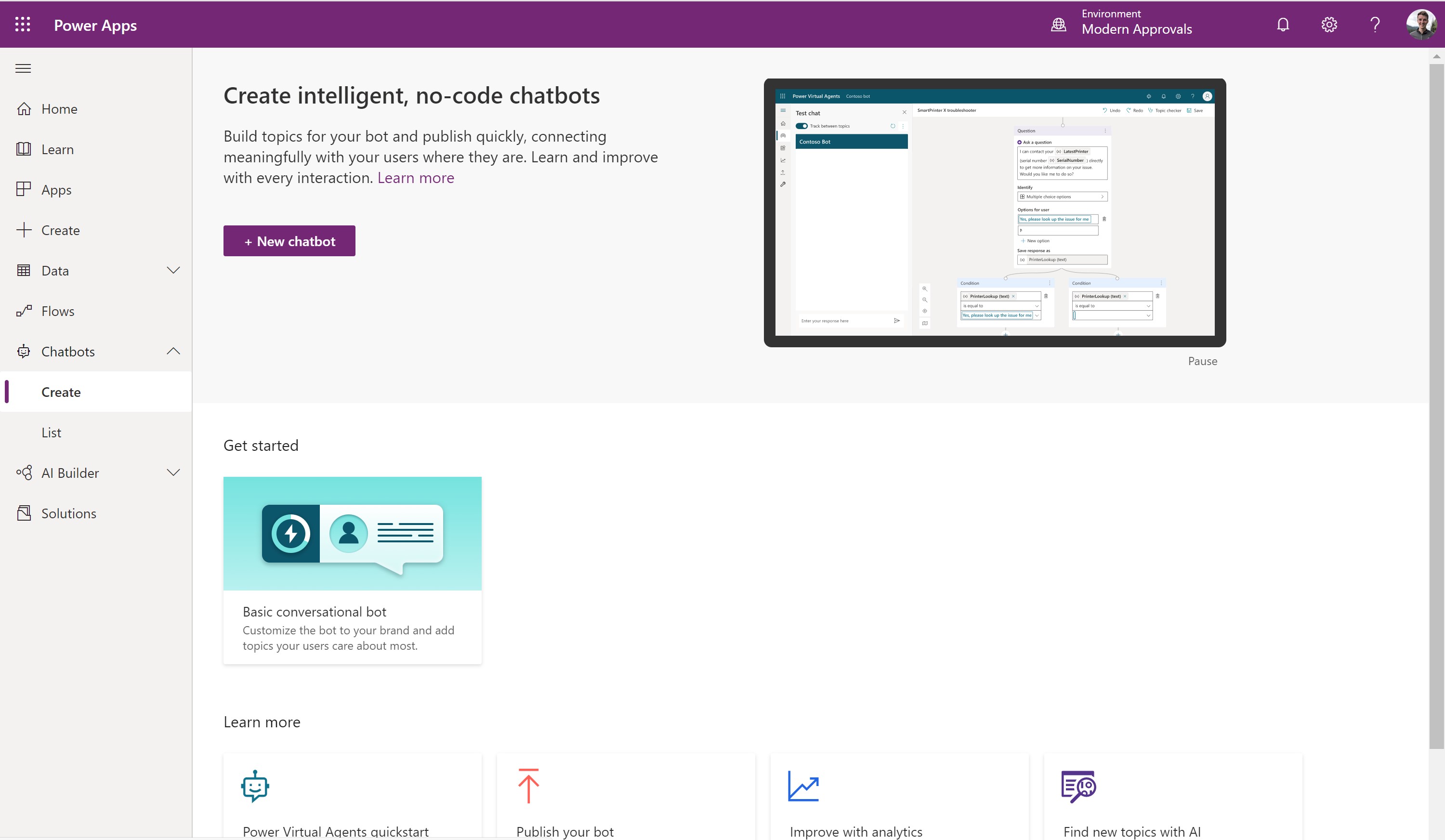
The Create page lets users initiate bot creation and go to the Power Virtual Agents portal to finish the bot creation in the environment they have selected.
You will have to sign up for a 60 day trial if you do not have a Power Virtual Agents subscription. We have made it super easy to sign up using a single click and you will be guided through that experience.
Manage bots from Power Apps
Once you create the bots in your environment, you can easily manage them from the Chatbots > List view. You will see the bots you have permissions for. From here you can see how many topics the bot includes to gauge the size of the bot. You will also see the owner of the bot.
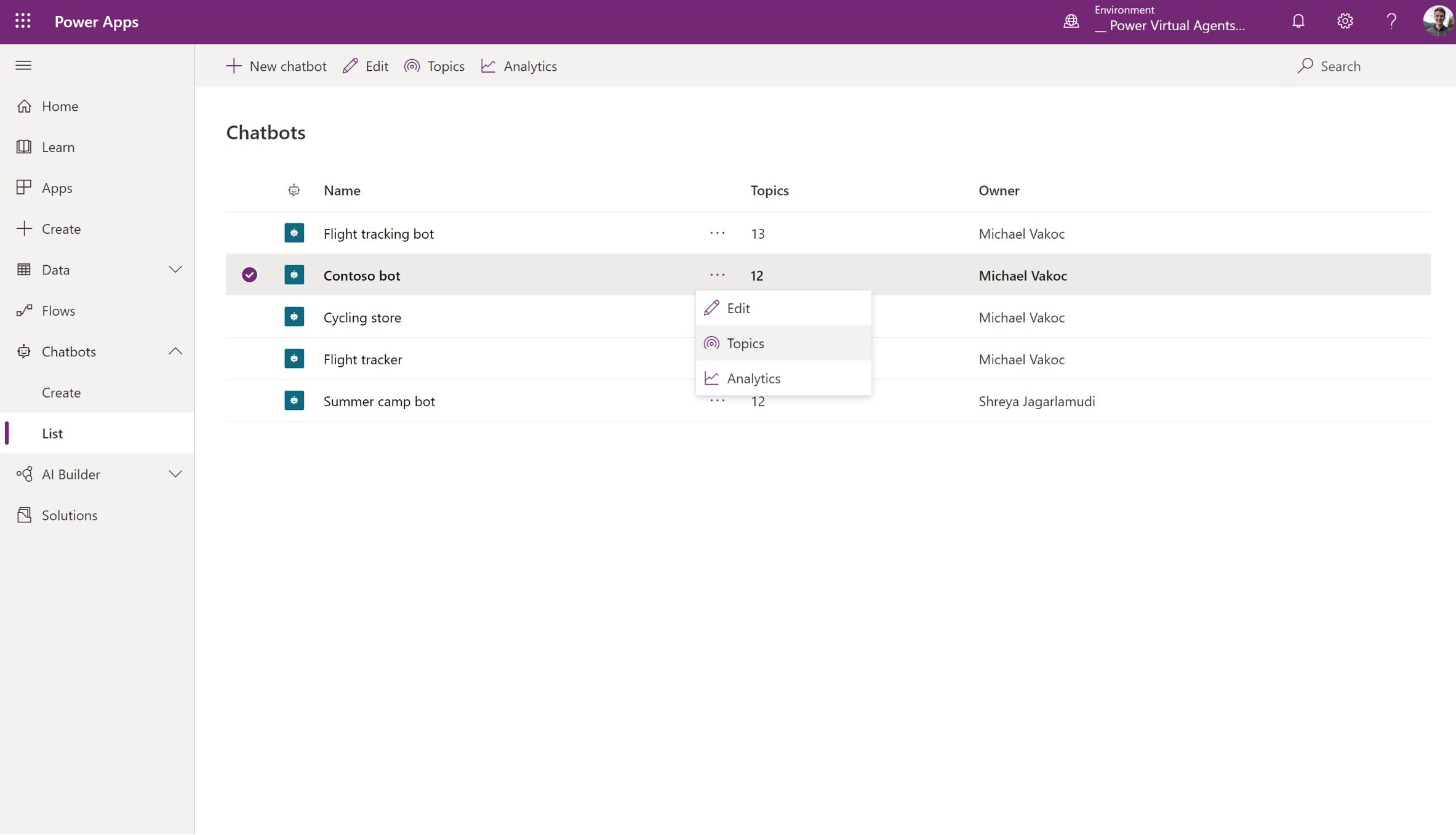
To make it easy to manage the bots, we have introduced a number of quick actions for you to take. You can select Edit, Topics or Analytics. Each of these options will take you directly to Power Virtual Agents so that you can continue in your workflow.
Learn more in documentation.