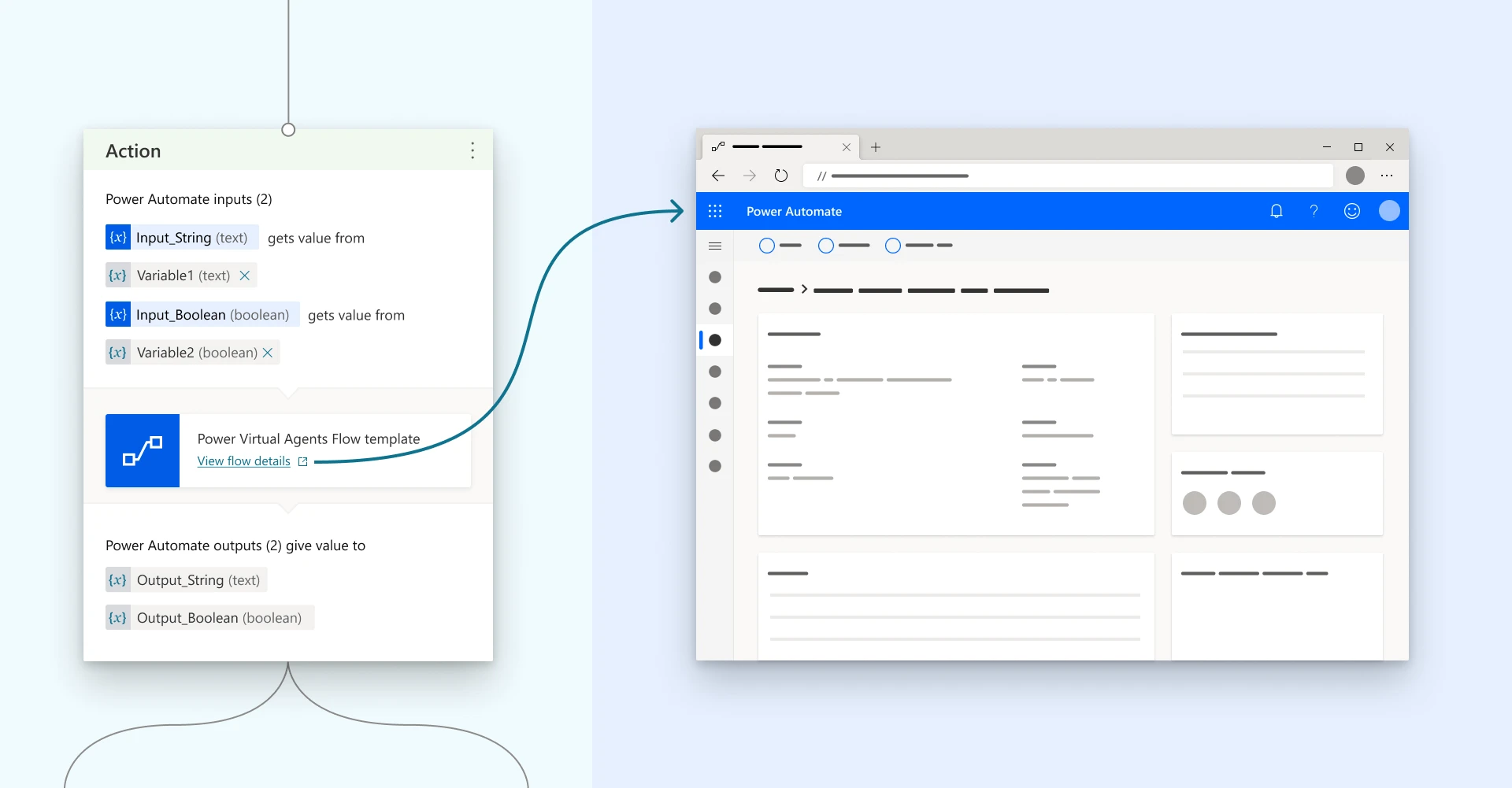
Power Virtual Agents now allows you to access and update your Power Automate flows directly from the authoring canvas in one step, without having to open the Power Automate portal and navigating to the corresponding flow Solution manually.
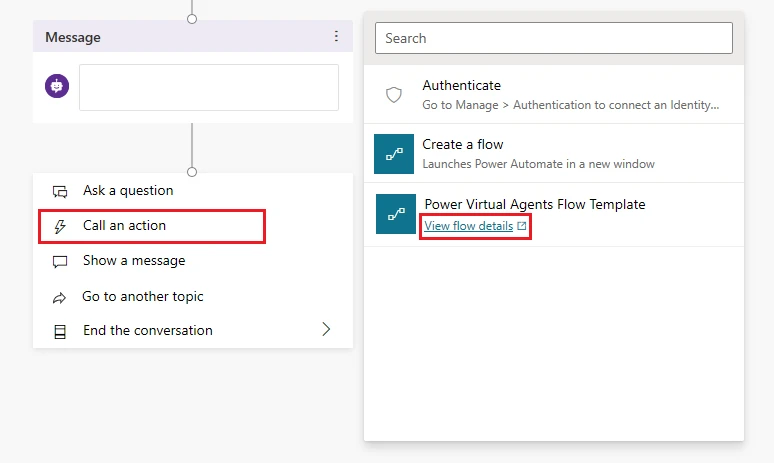
You can choose to open any Power Automate flow when it appears on the list of flows available to your bot in the dialog:
If you want to update a Power Automate flow that is already used in your dialog, the same View flow details link is available directly in the Action node:
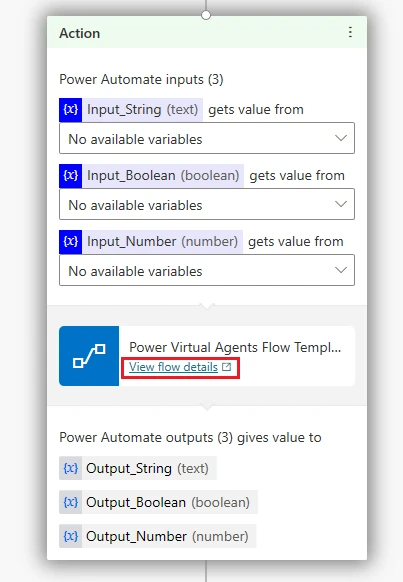
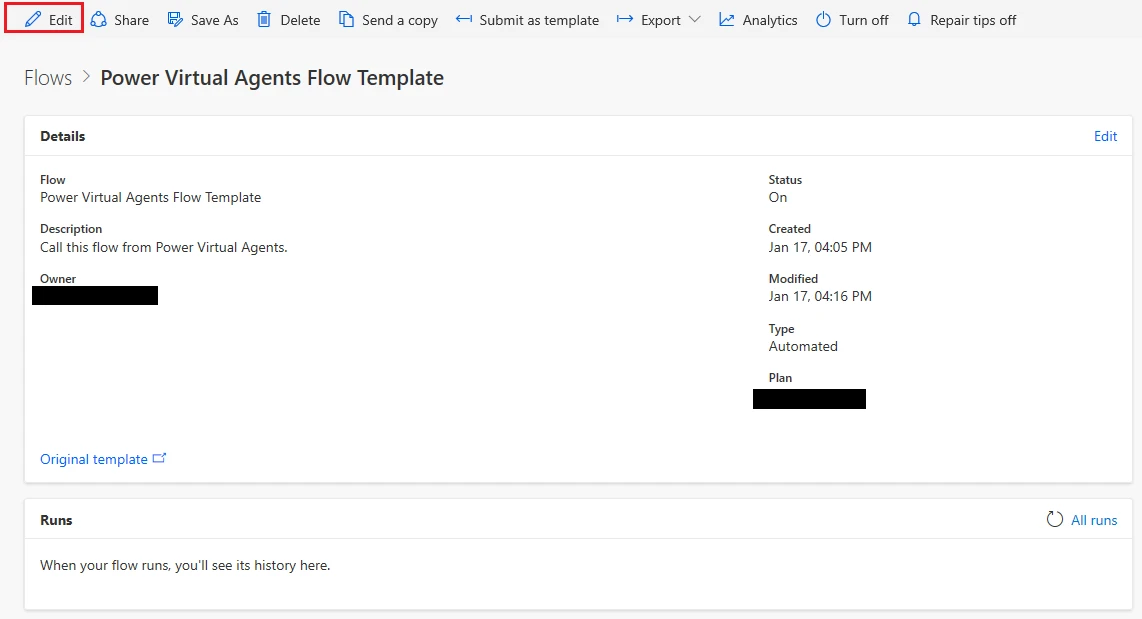
Clicking on the View flow details link will open this flow’s details page on the Power Automate portal in a new tab. From there, you can Edit your flow, see the Run history for your flow, access flow Analytics, and also turn your flow On/Off.
For more information on this feature, please refer to Add actions to a bot using Power Automate documentation.