 Discover Windows
Discover Windows
Discover Windows
5 MIN READ
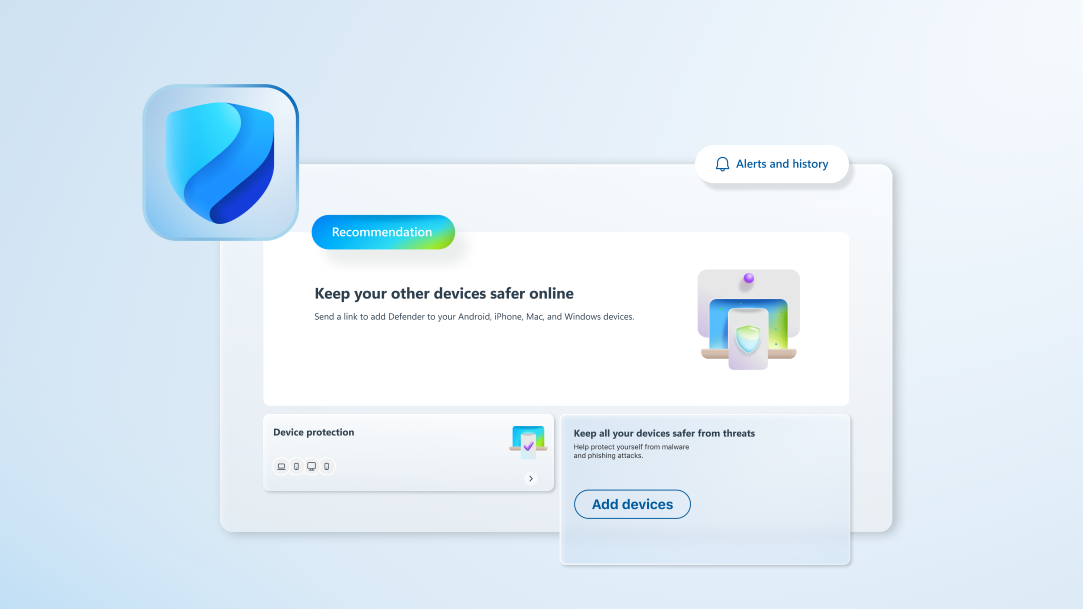
A friendly guide to understanding antivirus protection on Windows 11.
3 MIN READ
Running low on disk space? Discover how to clear temporary files.

3 MIN READ
Learn how Windows 11 Smart App Control complements traditional antivirus software to shield PCs from threats.
3 MIN READ
Understand how TPM works to enhance security and protect sensitive information in Windows 11.

3 MIN READ
Follow these essential steps before Windows 10 support ends.

3 MIN READ
The hidden dangers of an outdated operating system, and what you can do to protect your device.
3 MIN READ
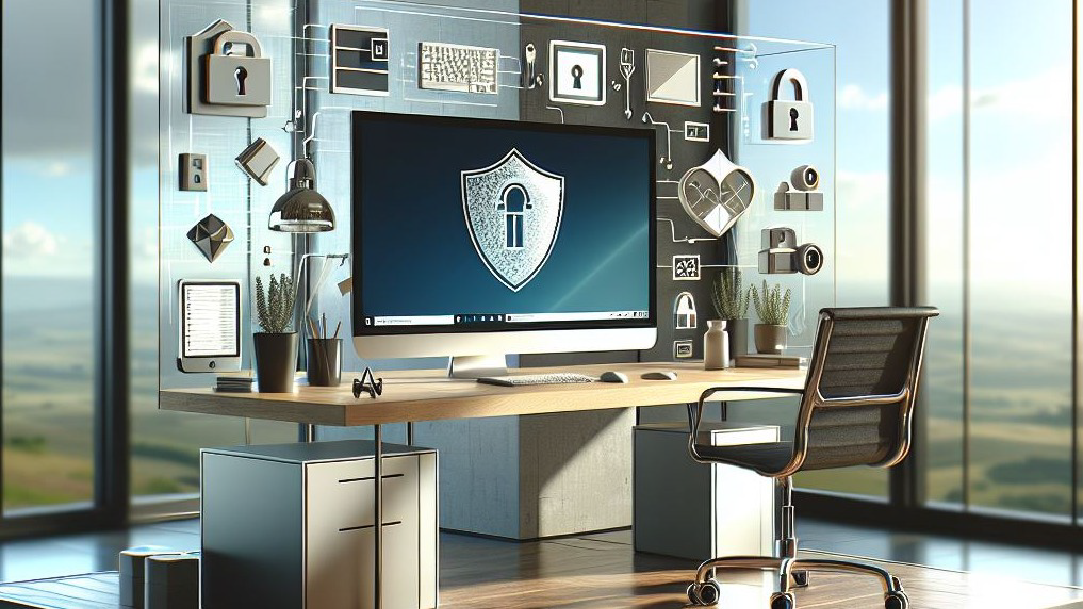
Exclusive to Windows 11 is Smart App Control. It provides a layer of security by only permitting apps with good reputations to be installed.
4 MIN READ
Learn how to make the transition from Windows 10 to 11 and find out what’s in store for Windows 11.
3 MIN READ
Learn how to back up your folders to your OneDrive account and keep your files protected and recoverable.

2 MIN READ
Learn essential tips to protect your personal information, avoid scams, and enhance cybersecurity.
2 MIN READ
Discover how presence sensing in Windows enhances security with automatic screen locking and adjusts display settings for a personalized, secure experience.
2 MIN READ
Discover how Windows Passkey defends against phishing, credential stuffing, and brute force attacks.
2 MIN READ
Learn the best practices to secure your home network with encryption, Windows Defender, and more.
2 MIN READ
Knowing how to upload and download files securely is key to protecting yourself against malware.
2 MIN READ
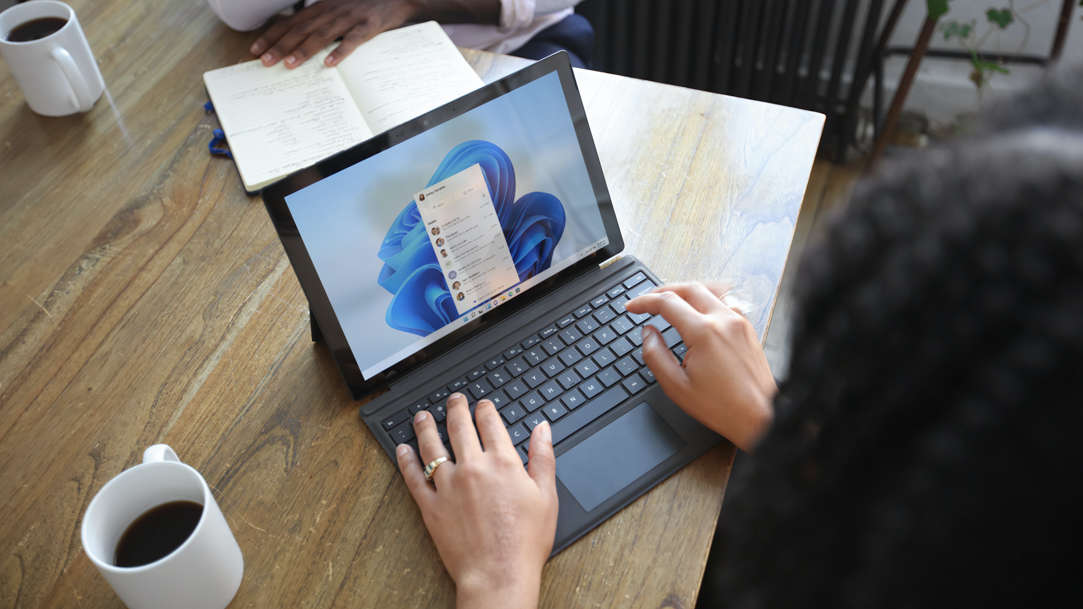
Thanks to Windows 11, you can securely share your files and sensitive information without worry.
2 MIN READ
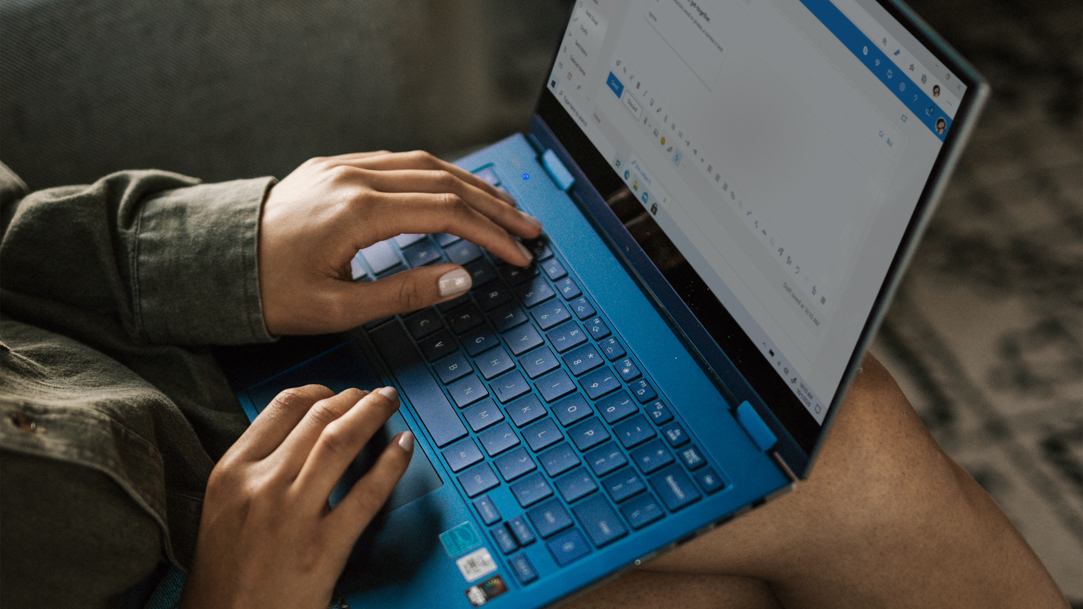
Access and decrypt your files with ease using these steps.

2 MIN READ
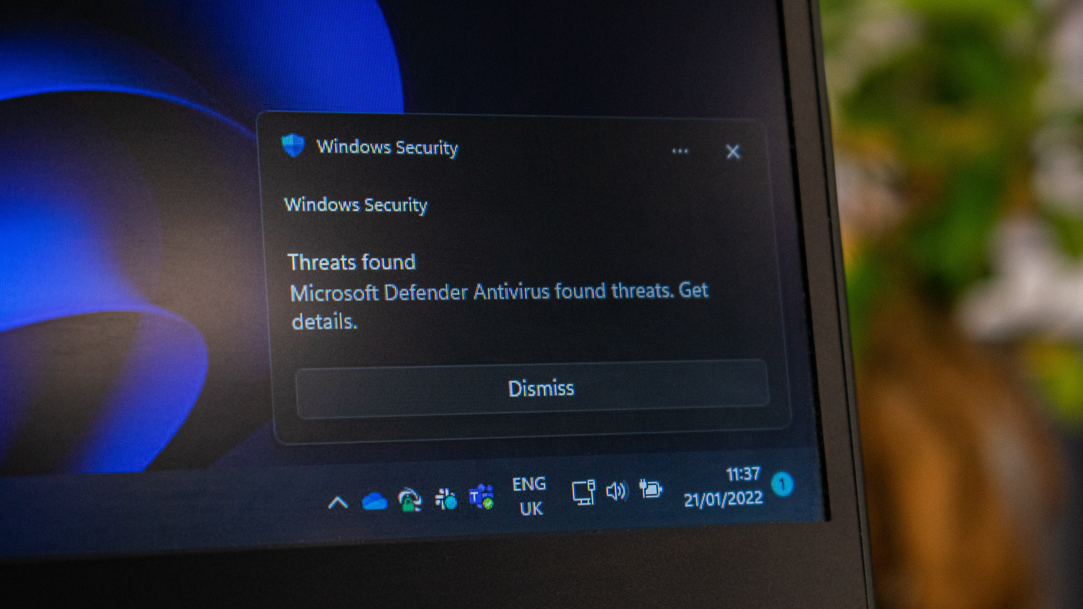
Safeguard your files and folders with the added protection of encryption.
2 MIN READ
Enjoy peace of mind and extra security when you back up your files with the help of Windows 11 built-in features.
2 MIN READ
Learn how Windows Remote Desktop allows you to access your PC from anywhere.
Follow us: