
Translate scanned PDF documents with Document translation
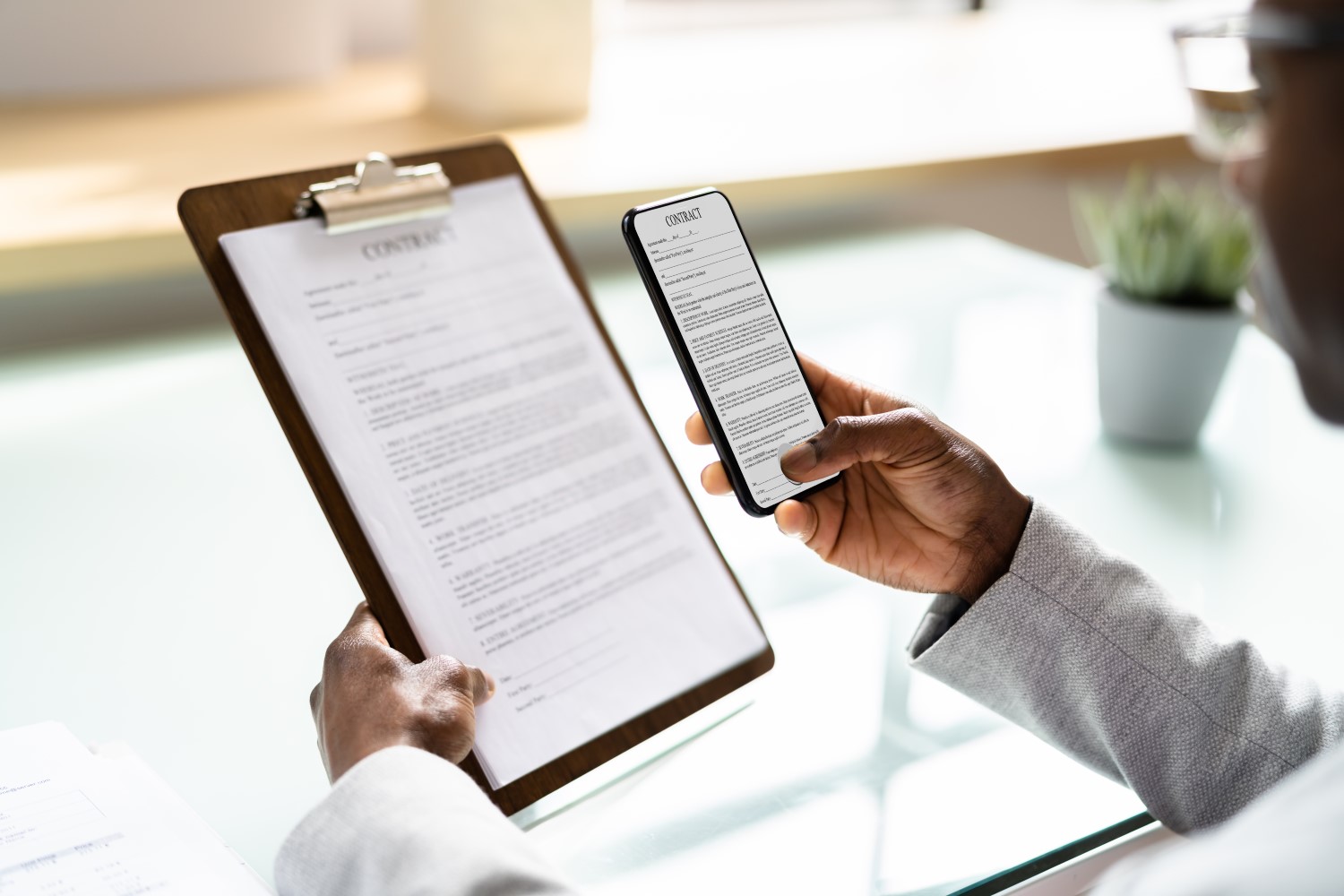
Today, the Document translation feature of Translator, a Microsoft Azure Cognitive Service, adds the ability to translate PDF documents containing scanned image content, eliminating the need for customers to preprocess them through an OCR engine before translation.
Document translation was made generally available last year, May 25, 2021, allowing customers to translate entire documents and batches of documents into more than 110 languages and dialects while preserving the layout and formatting of the original file. Document translation supports a variety of file types, including Word, PowerPoint and PDF, and customers can use either pre-built or custom machine translation models. Document translation is enterprise-ready with Azure Active Directory authentication, providing secured access between the service and storage through Managed Identity.
Translating PDFs with scanned image content is a highly requested feature from Document translation customers. Customers find it difficult to segregate PDF documents which have regular text or scanned image content through automation. This creates workflow issues as customers have to route PDF documents with scanned image content first to an OCR engine before sending them to document translation.
Document translation services now have the intelligence
- to identify whether the PDF document contains scanned image content or not,
- to route PDFs containing scanned image content to an OCR engine internally to extract text,
- to reconstruct the translated content as regular text PDF while retaining the original layout and structure.
Font formatting like bold, italics, underline, highlights, etc. are not retained for scanned PDF content as OCR technology does not currently capture them. However, font formatting is preserved while translating regular text PDF documents.
Document translation currently supports PDF documents containing scanned image content from 68 source languages into 87 target languages. Support for additional source and target languages will be added in due course.
Now it’s easier for customers to send all PDF documents to Document translation directly and let it decide when and how to use the OCR engine efficiently.
For customers already using Document translation, no code change is required to be able to use this new feature. PDF documents with scanned content can be submitted for translation like any other supported document formats.
We are also pleased to announce that the Document translation adds support for scanned PDF document content with no additional charges to customers. Two pricing plans are available for Document translation through Azure — the Pay-as-you-go plan and the D3 volume discount plan for higher volumes of document translation. Pricing details can be found at aka.ms/TranslatorPricing.
Learn how to get started with Document translation at aka.ms/DocumentTranslationDocs.
Send your feedback to mtfb@microsoft.com.


