
October 09, 2024
Share this page


5 Windows cybersecurity features for data safety
In today’s digital age, ensuring your data’s security is paramount. Windows 11 offers a range of cybersecurity features designed to help keep your data safe. This article will cover antivirus software, firewall settings, device encryption, Secure Boot, Windows Defender, and best practices for maintaining data privacy and security.
Antivirus software
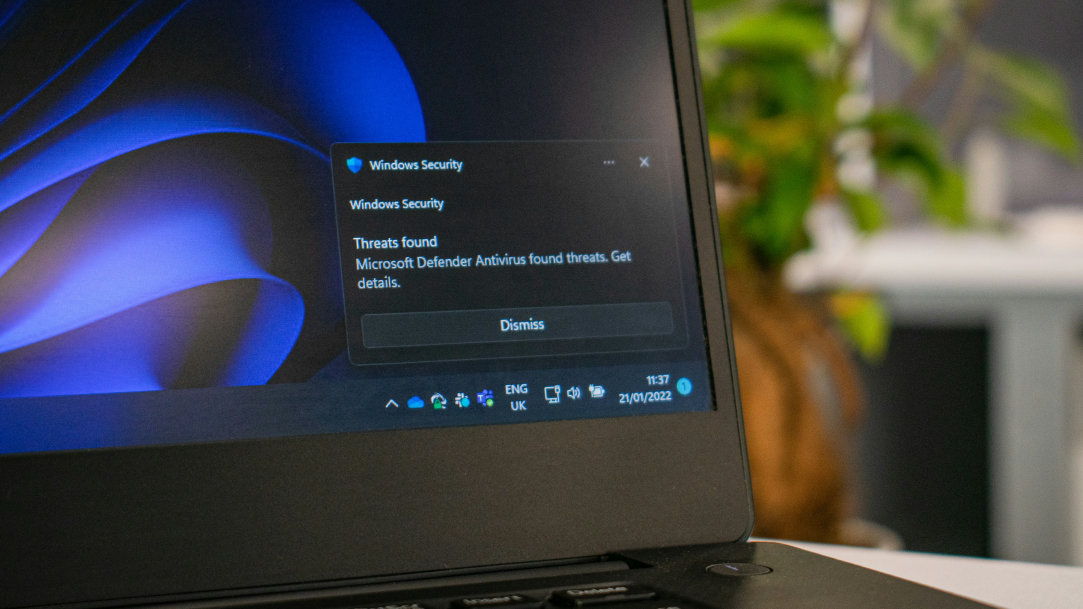
Antivirus software is essential for laptop security. It protects your device from malware, viruses, and other malicious threats. Windows 11 comes with built-in antivirus protection through Windows Defender. This software continuously scans your device for potential threats and removes them before they can cause harm. Regular updates ensure that Windows Defender stays current with the latest security threats.
Firewall settings
A firewall acts as a barrier between your device and potential threats from the internet. Windows 11 security includes a robust firewall that monitors incoming and outgoing network traffic. By configuring your firewall settings, you can block unauthorized access and ensure that only trusted applications can communicate with your device. This helps prevent hackers from gaining access to your sensitive data.
Device encryption
Device encryption is a crucial feature for protecting your data, especially if your laptop is lost or stolen. Windows 11 offers BitLocker, a powerful encryption tool that secures your data by encrypting the entire drive. This means that even if someone gains physical access to your laptop, they won’t be able to read your data without the encryption key.
Secure Boot
Secure Boot is a security standard that ensures your device boots using only software that is trusted by the manufacturer. This feature helps prevent malicious software from loading during the startup process. Windows 11 includes Secure Boot, which works with the Trusted Platform Module (TPM) to provide an added layer of security.
Windows Defender
Windows Defender is a comprehensive security suite that includes antivirus protection, firewall management, and other security features. It provides real-time protection against threats and regularly updates to stay ahead of new vulnerabilities. With Windows Defender, you can manage your device’s security settings from a single interface, making it easy to keep your data safer.
Best practices for maintaining data privacy and security
In addition to the built-in security features of Windows 11, following best practices can further enhance your data privacy and security:
1. Regular updates:
Ensure your operating system and software are always up to date to protect against the latest threats.
2. Strong passwords:
Use complex passwords and change them regularly to prevent unauthorized access.
3. Two-factor authentication:
Enable two-factor authentication for an added layer of security.
4. Backup data:
Regularly back up your data to an external drive or cloud service to prevent data loss.
5. Be cautious with emails:
Avoid opening suspicious emails or clicking on unknown links to prevent phishing attacks.
Conclusion
Windows 11 offers a comprehensive suite of cybersecurity features designed to keep your data safe. By using antivirus software, firewall settings, device encryption, Secure Boot, and Windows Defender, you can ensure robust protection for your laptop. For an enhanced experience with the latest Windows security features, try Surface Pro 11ᵗʰ edition or Surface Laptop 7ᵗʰ edition.
Products featured in this article

Microsoft Defender SmartScreen

Surface Pro 11ᵗʰ Edition
Surface Laptop 7ᵗʰ Edition
Related topics

Surface Pro 11ᵗʰ Edition vs. Surface Pro 9

How to use Windows Memory Diagnostic
