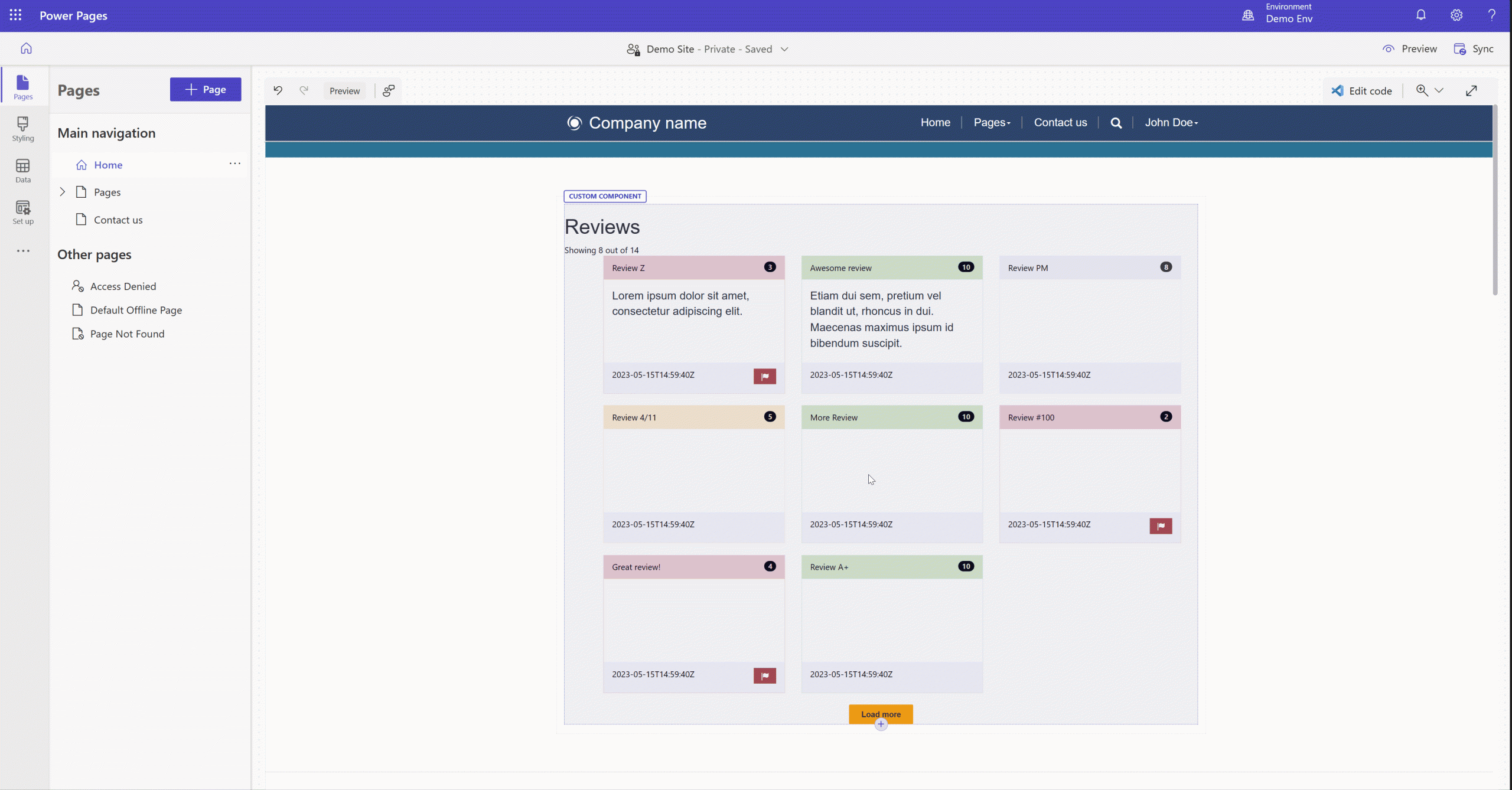
Makers can now strike a balance between complex web templates and the ability for low-code makers to edit and configure them. With the release of the {% manifest %} liquid tag for web templates into public preview makers can specify which variables are to be exposed in the design studio along with a few relevant properties.
With this addition, web templates can be extended, by using the {% manifest %} tag, to define the following properties:
- Type (functional or layout): determines the web templates’ placement in the design studio for the “add” scenario in the future.
- Description: allows makers to write a brief description of the web template for ease of collaboration.
- Display name: a friendly name to be used for the web template.
- Tables: an array of tables’ logical names that makers can define so that the low code editing experience is full circle where makers have a connection (through “Edit data”) from the Pages workspace to the tables directly, where they can edit the corresponding data records sourcing the data for the component.
- Params: an array of objects that bridge the gap between pro-devs and low-code editors when working with variables in a web template. Each param object contains: an id, matching exactly the variable being used in the source code and liquid tag in the page copy, a display name and description for ease of collaboration.
The gap in collaboration between the pro-dev and low-code makers regarding complex web templates editing has been significantly reduced with this approach. As a pro-dev, you can now format your source code in a way that allows low-code makers to configure variables and dictate the component’s functionality. This empowers makers through re-usability and ease of maintenance. Anywhere on the site where a component could be re-used with slight modifications would be a good candidate for this approach. Pro-devs can now empower low-code makers to have total control over the resulting UI elements on the page – based on the logic written and variables exposed by pro-devs.
Think about creating a set of robust components, pulling data from the Dataverse, and having complex layouts that can be maintained in a single place while being re-used across the site. No need to duplicate and re-create web templates for slight changes, rather template the code and leverage variables through its manifest!
To learn more about this feature, visit Web templates as components | Microsoft Learn and follow the sample How to: Create a web template component | Microsoft Learn, which showcases a basic but powerful scenario. As usual, we are looking forward to hearing your feedback and excited to see what amazing components result from this new addition!