Editor’s note 8/24/2016:
Please see Fixes or workarounds for recent issues in OneNote for Mac to help troubleshoot any issues installing or using the OneNote Importer for Mac.
OneNote has become one of the most popular note-taking apps as a result of hard work we’ve done to deliver a superior experience across all platforms, including Mac (4+ rating in Mac App Store), Android (4.0 rating), Windows (4.3 rating) and iOS (4.5 rating). We even hear from Evernote fans who acknowledge OneNote’s appeal but are hesitant to make the switch due to the fact that all their ideas and information reside in Evernote.
Today, we are removing this barrier and are thrilled to announce a tool that will help you import your Evernote notes into OneNote. The OneNote Importer tool (for Windows initially) migrates all of your Evernote content into OneNote, giving you the opportunity to switch to OneNote and have all your notes in one place, on all your devices. We will deliver the Importer tool for Mac in the coming months.
Download the OneNote Importer tool.
OneNote and Evernote are similar in many ways, but we think you’ll appreciate the advantages OneNote has to offer, including a free-form canvas where you can mix text, images, documents, handwriting, audio, video and more; free offline access; and unlimited monthly uploads.
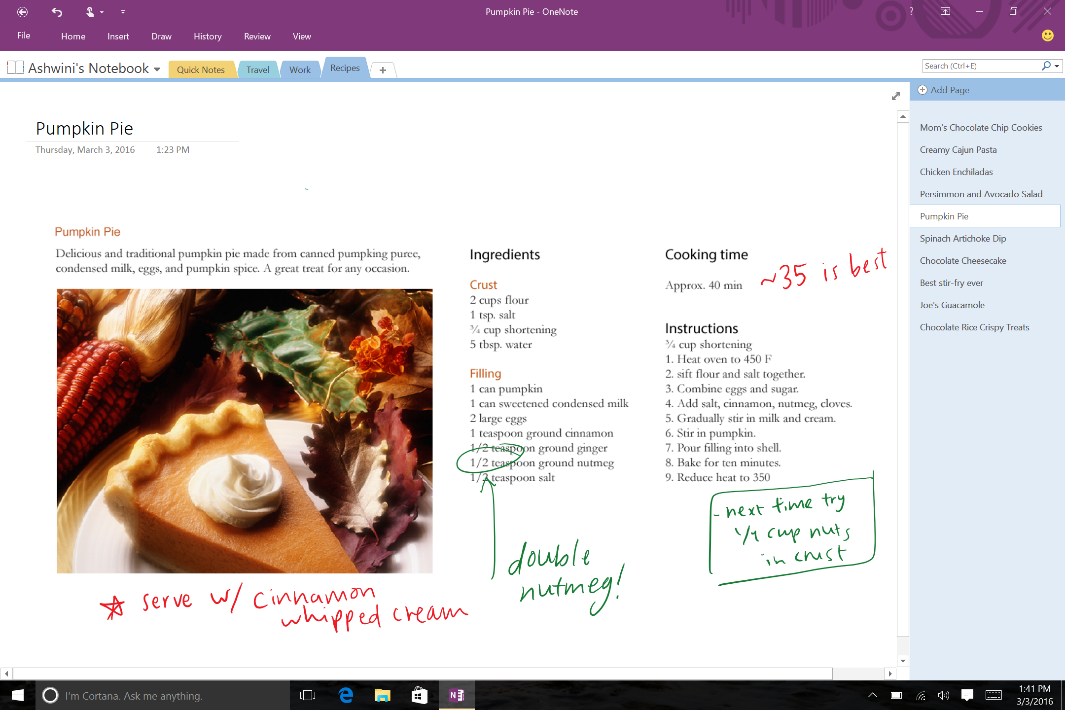
While OneNote is free on all devices, it comes with Office and works seamlessly with Outlook, Word, Excel and PowerPoint to help you stay organized, collaborate and get things done. Evernote Premium ($49.99/year) is more than 70 percent of the cost of Office 365 Personal ($69.99/year), which includes all the apps you know and love, plus 1 TB of storage.
How to migrate your notes from Evernote
To get started migrating your Evernote notes to OneNote, you will need:
- A PC with Windows 7 or later. Once your Evernote notes are imported, they’ll sync across all your devices—Mac, iOS and Android included.
- To speed up the migration process, it is recommended you have Evernote for Windows installed. Sign in to Evernote for Windows with your Evernote account and make sure your latest notes are synced before importing.
Watch this short video to see how easy it is to use the Importer tool:
Visit our support page for more information and step-by-step instructions.
—Vijay Sharma, senior product manager for the OneNote team