


Surface Pro 13-inch Flex Keyboard with Slim Pen for Business
Surface Pro Flex Keyboard with Slim Pen for Business is compatible with Surface Pro for Business (11th Edition),1 Surface Pro 10 for Business,1 Surface Pro 9 for Business1 and Surface Pro 8 for Business running Windows 11.1
Shop for Surface with confidence
Microsoft Store offers great benefits like 60-day returns on Surface products.^
SG$599.00 incl. GST
Free standard delivery. Free returns.
Unrivalled comfort, ultimate flexibility

Effortless pairing
Transition seamlessly between attached and detached2 use with effortless pairing ready to go the first time you use it.

Adapt to any location
Whether you’re working from a cramped aeroplane seat or need to type with your keyboard in your lap, detach Surface Pro Flex Keyboard with Slim Pen for Business and stay in your flow.

Create the ultimate productivity set-up
Attach this keyboard to your Pro1 to type as you would on a laptop and dock Surface Pro for Business1 to a monitor to create a more ergonomic workspace.
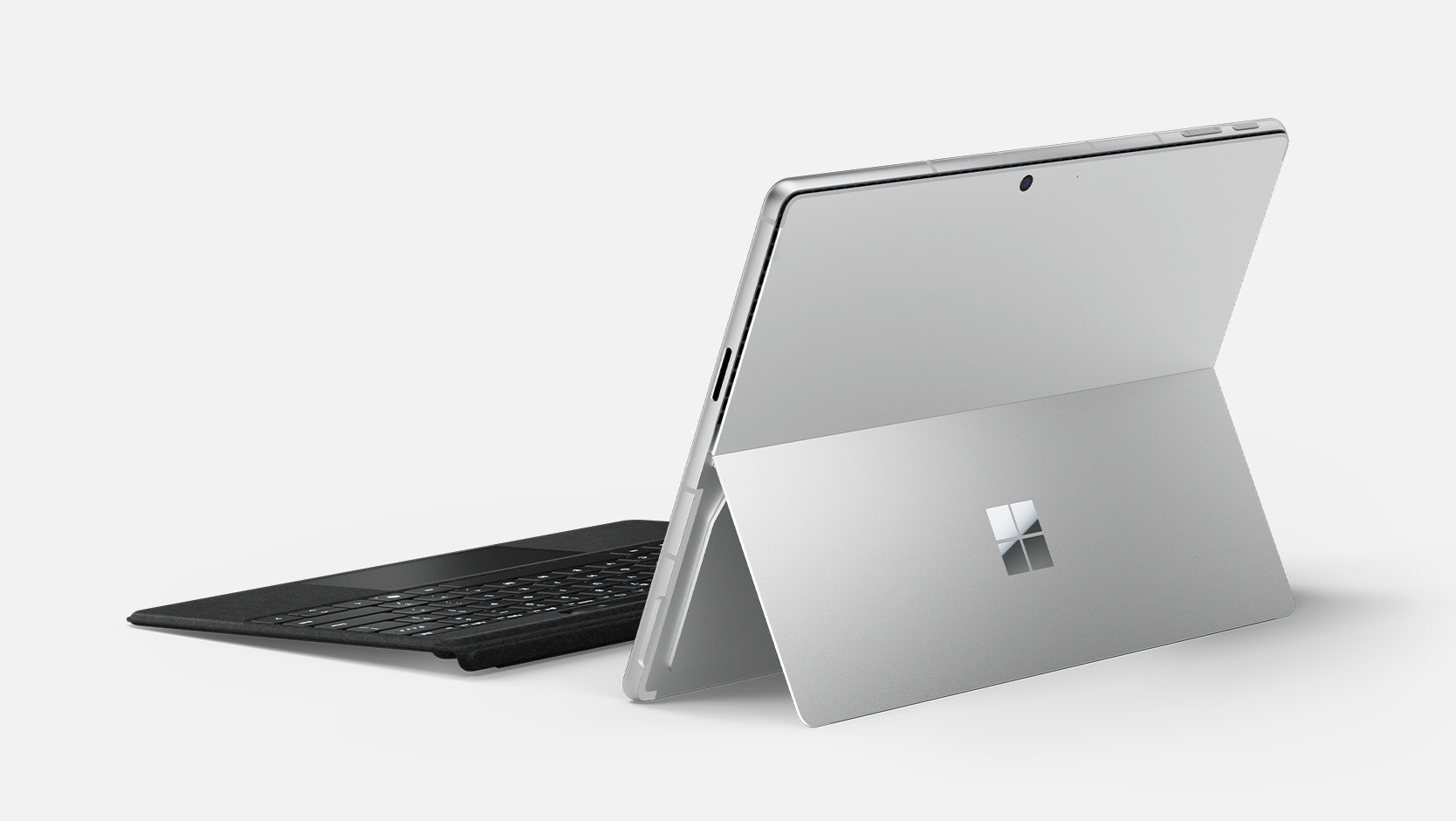
Battery life that lasts
Enjoy peace of mind when you use this keyboard detached with 41 hours of continuous typing.4 When you need to recharge, simply attach back to your device.5
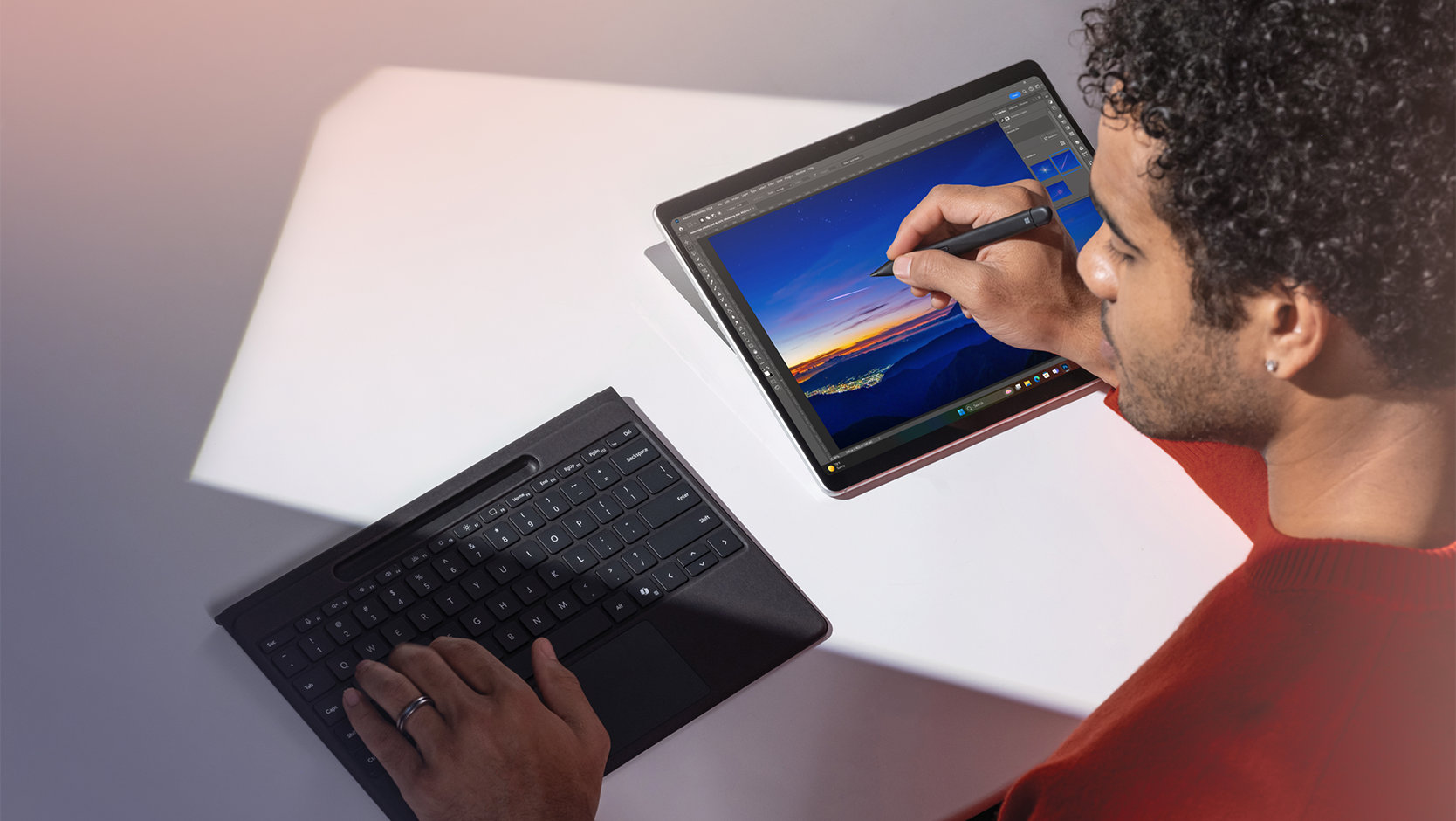
Natural inking at your fingertips
Sketch and write naturally on the screen with Surface Slim Pen for Business, always ready and charged in the keyboard’s storage tray.
Best-in-class details

Spacious and responsive
Enjoy increased precision and comfort with a touchpad that is 14.3% larger than previous generations.

Customisable haptic touchpad
Tap and create using intuitive gestures and enjoy precise control with adjustable pressure sensitivity.

Type in peace and quiet
Concentrate better and reduce audio distractions with a sleek and silent keyboard.

Sleek, stylish design
This keyboard is covered with durable Alcantara® material, adding a rich texture to everyday tasks.
The most inclusive 2-in-1 keyboard on the market

Inclusive by design
Quick access to three new keys

Instant Copilot
Open Copilot with a single key to help improve productivity and simplify daily tasks.3

Mute quickly
Simply tap the key to quickly unmute or mute your microphone.

Snip in a snap
Effortlessly grab a screenshot with a key that gives you quick access to the snipping tool.

Secure typing
Essential accessories

Shop other products

Surface Pro 12-inch Keyboard for Business
From SG$229.00
Accessorise your 12-inch Surface Pro for Business by pairing it with a sleek keyboard...
Surface 45W USB-C Wall Charger for Business
SG$79.00
Charge Surface¹ or other USB-C® devices with the Surface 45W USB-C Wall Charger for...
Surface Pro 13-inch Flex Keyboard for Business
SG$499.00
Unlock new levels of flexibility with a keyboard designed to be used either attached...
Surface Pro 13-inch Flex Keyboard with Slim Pen for Business
SG$599.00
Unrivalled flexibility comes in the perfect pair – Surface Slim Pen for Business...
Surface Pro 13-inch Keyboard with Slim Pen for Business
From SG$439.00
Next-level versatility comes in the perfect, premium keyboard, featuring a large glass...
Surface Pro 13-inch Keyboard with pen storage for Business
From SG$299.00
Next-level versatility comes in the perfect, premium keyboard, featuring a large glass...
Surface USB4 Dock for Business
SG$326.00
Ultrafast data transfer speeds, expanded port options for essential accessories, up to...
Surface Thunderbolt 4 Dock for Business
SG$479.00
Elevate your desktop experience and get the security you need with Surface Enterprise...
Surface Slim Pen for Business
SG$212.00
Turn your ideas into reality with Surface Slim Pen for Business. Take handwritten...
Surface Dock 2 for Business
SG$394.00
Bring more power to your workstation. Surface Dock 2 transforms your Surface into a...
Why shop for your business at Microsoft Store

Free next business day delivery

Extended returns

Multiple payment options

Trusted Microsoft advisors
-
Price Protection
Holiday extended price protection valid on purchases of qualifying physical consumer products purchased from Microsoft Store online and Microsoft Experience centres in select markets between October 1, 2026 – December 2, 2026. Holiday purchase price adjustment may be requested until January 31, 2027. Purchases made outside the window of October 1, 2026 – December 2, 2026: Price adjustment available on purchases of qualifying physical consumer products made at Microsoft Store and Microsoft Experience Centres in select markets for 60 days from the date product is received.
-
Extended Returns
Holiday extended return policy available with eligible physical products purchased between October 1, 2026 - December 2, 2026 from Microsoft Store online and Microsoft Experience Centres in select markets. Holiday purchases made during that window can be returned through January 31, 2027. For purchases made outside the window of October 1, 2026 – December 2, 2026, returns are available with eligible physical products purchased from Microsoft Store online and Microsoft Experience Centres in select markets. Return process must be started within 60 days after customer receives the product. Limit 5 product returns per eligible customer purchase. Excludes Surface Hub, HoloLens, and Windows DevKit. Applicable return policy applies. For purchases made at Microsoft Store, see applicable Microsoft Terms of Sale for more information. For purchases made at a Microsoft Experience Centre, see receipt for more information. Microsoft reserves the right to modify or discontinue offers at any time.
Any offers shown are for a limited time while supplies last. See terms.
- [1] Sold separately.
- [2] Detached use requires Windows 11.
- [3] Use Copilot key with supported Windows 11 devices; feature availability varies by device and market, see Key Support.
- [4] Requires Windows 11. Battery life varies significantly based on usage, network and feature configuration, signal strength, settings and other factors. See Surface Battery Performance for details.
- [5] Surface Pro Flex Keyboard with Slim Pen for Business can be attached to Surface Pro for Business (11th Edition), Surface Pro 10 for Business, Surface Pro 9 for Business and Surface Pro 8 for Business.
Compatibility1 |
|
Size and Weight |
Length: 289 mm (11.38 inch)
Width: 221 mm (8.71 inch) Height: 5.25 mm (0.21 inch) Weight: 340 g (0.75 lbs) |
Battery life |
Up to 41 hours of continuous typing while detached2
|
Accessibility |
|
Keys |
|
Pen integration |
Surface Slim Pen (2nd Edition)3 Storage and charging
|
Interface |
Magnetic
|
Sensors |
Accelerometer
|
Exterior5 |
Material: Alcantara®
Colours: Black |
Warranty6 |
1-year limited hardware warranty
|
Battery capacities |
Minimum: 495 mAh (Min. Energy: 1.862 Wh) Typical: 513 mAh (Typ. Energy: 1.929 Wh) |
Connectivity |
Bluetooth® Low Energy Connectivity Range: Up to 10 m (32.8 ft) of connectivity in open air or up to 5 m (16.4 ft) in a typical office environment7 |
- [2] Testing conducted by Microsoft in April 2024, using pre-production compatible Windows 11 devices and software, under controlled conditions. Testing consisted of full battery discharge with continuous typing while keyboard is detached from the device. All settings were default including backlight off and no pen in tray. Battery life varies significantly with settings, usage and other factors.
- [3] Sold separately.
- [4] Use Copilot key with supported Windows 11 devices; feature availability varies by device and market, see Key Support.
- [5] Available colours may vary by market.
- [6] Microsoft’s Limited Warranty is in addition to your consumer law rights.
- [7] Based on internal testing. Connectivity may vary based on usage and environmental factors.
Compare Surface keyboards

Surface Pro Flex Keyboard with Slim Pen for Business
Ideal for those seeking the most premium keyboard experience with flexibility to adapt to a workspace.
- Works both attached and detached1
- 14.3% larger, 112.75 x 57.3 mm haptic touchpad
- Premium, ultra-quiet typing
- Always-visible Surface Slim Pen for Business, stored securely and wirelessly charged

Surface Pro Keyboard with Slim Pen for Business
Ideal for those wanting a premium typing experience as well as pen storage and charging.
- Surface Slim Pen for Business storage and charging built in
- Premium typing and 100.7 x 56.7 mm mechanical touchpad

Surface Pro Keyboard for Business
Great option for a premium typing experience.
Premium typing and mechanical touchpad