

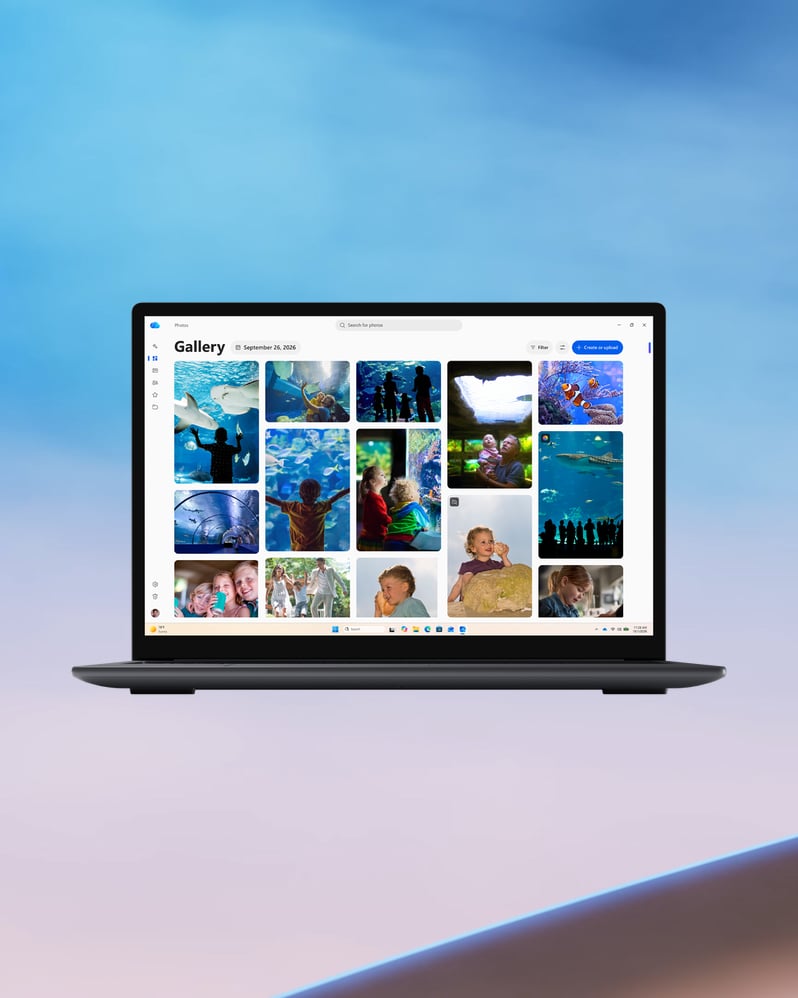
Just what you need
Recommended laptop specifications
Processor
The right processor keeps everything running smoothly. Processors like Intel® Core™ 5 or Core™ Ultra 7, AMD Ryzen™ AI 5 or 7, or Snapdragon® X Series deliver the speed and efficiency you need.
RAM
RAM is your PC's working memory and it keeps everything running smoothly while you use it. For browsing, streaming and video calls without interruption, look for at least 8 GB to 16 GB.
Storage
Storage is where everything lives, like your photos, documents, downloads, and more. Look for 128 GB to 512 GB if you like to save a lot of files. If you store photos and files in the cloud, you may need less.
Display resolution
Resolution determines how sharp and detailed everything looks on your screen. FHD displays provide extra clarity and richer visuals for browsing, streaming and video calls.




Questions about Windows 11? Start here.
Microsoft Windows is the operating system that brings your PC to life, giving you one place to work, play, create and connect. With Windows 11, built-in security, multitasking tools and AI-powered features come together in a modern experience designed for how you do your day.
As the latest Microsoft Windows operating system, Windows 11 is built to help you do more across work, school, entertainment and everyday life. Windows 11 OS enables easier productivity, built-in security, gaming, accessibility and AI-powered help for tasks like writing, organising, editing and searching. Whether you're upgrading an older PC or setting up a new one, Microsoft Windows 11 is designed to help you do more with a PC that feels more intuitive, more secure and more useful every day.
Copilot is an AI-powered assistant built for easy access in Windows 11, ready to help you find answers, create content and get things done. Microsoft offers a limited free version of Copilot subject to available capacity and limits. When you hit a limit, you can choose to upgrade to a paid option or come back later. For deeper integration across Microsoft 365 apps like Word, Excel, PowerPoint and Outlook, Copilot is included with eligible Microsoft 365 subscriptions, which provide additional features and expanded AI usage allowances. Copilot feature availability varies by device, language and region. Usage limits, subscription requirements and other conditions apply. See the FAQ.
Yes. Windows 11 includes AI features that can help with everyday tasks like creating, searching, editing, communicating and staying organised. Depending on your device and setup, that can include experiences like Copilot, AI-powered tools in apps like Snipping Tool and smarter help across parts of Windows such as Start. Some features may require certain hardware, updates, or apps and may vary by market.
In Windows, local AI means AI experiences that can run directly on your device instead of relying only on the cloud. Running more demanding AI workloads locally requires a Windows PC with compatible AI hardware, such as a powerful NPU or GPU. Local AI can help deliver faster responses and keep more processing on your device. Experiences vary depending on the feature and PC you’re using.
A premium PC combines high-end components with quality design for faster, smoother performance than an everyday PC. That can include a fast multicore processor, dedicated graphics, generous memory and storage and a bright, high-resolution display. Premium PCs are built for demanding work like gaming, content creation and local AI. For the most demanding workloads, explore Windows PCs powered by NVIDIA RTX Spark, which bring together creator-class performance, local AI capabilities and world-class gaming in a single PC. Specifications vary by model, so compare configurations based on how you plan to use your PC.
NVIDIA RTX Spark is a powerful new class of chip designed to accelerate creating, building, gaming and AI-driven workflows. Together, Windows and RTX Spark deliver powerful secured local AI performance, exceptional efficiency and advanced content creation.
RTX Spark Windows PCs are different because they combine powerful local AI performance, high-capacity unified memory, NVIDIA RTX acceleration and Windows platform optimisations in one premium laptop. Available with up to 1 petaflop of AI performance and up to 128 GB of unified memory, NVIDIA RTX Spark Windows PCs are built to handle demanding AI, creative, development and gaming workloads on the same Windows PC. NVIDIA RTX Spark Windows PCs can support demanding workloads across: • AI development: Run larger local AI models for demanding development workflows. • Creative & media production: Create, edit, render and iterate across photography, video, animation, design and 3D projects. • Engineering & design: Work with demanding CAD, simulation, visualisation and technical computing applications. • Gaming: Play demanding games with smooth, high-frame-rate performance. That combination of performance and versatility is what sets NVIDIA RTX Spark Windows PCs apart from more traditional high-performance laptops.
Screens simulated. Features and app availability may vary by region.
Trademarks are the property of their respective owners.
- [1]
Performance varies significantly with configuration, usage and other factors.
- [2]
Mobile devices require Link to Windows app (minimum version 1.24041.97.0). Phone Link for iOS requires Bluetooth and Android requires WiFi; Learn more here about requirements and setup. iPhone and iMessage are trademarks of Apple Inc. and Android is a trademark of Google LLC.
- [3]
Based on a web browsing workload. Battery life varies significantly by device and with settings, usage and other factors. See aka.ms/windowsperformancelab.
- [4]
Performance and available games (sold separately) vary by device.
- [5]
Touchscreen: Requires a PC with touchscreen capability. Digital Pen: Pen-capable tablet or PC required. Pen accessories may be sold separately.
- [6]
Windows Hello Hardware-dependent. Learn more.