
Renew Microsoft 365 today
Thank you for being a Microsoft 365 subscriber. Renew your subscription by choosing one of the options below. Your subscription will be extended from your current subscription end date.1
Have you already purchased Microsoft 365? Renew with a product key.
Microsoft 365 Premium
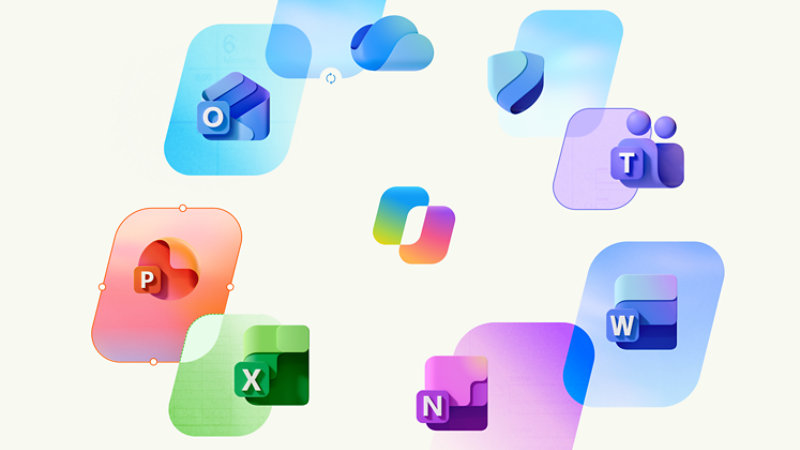
Microsoft 365 Premium is a subscription for one to six people that includes extensive AI usage and exclusive Copilot features,2 2 TB of cloud storage, powerful productivity apps with Copilot,2 advanced security for your data and devices, and ongoing customer support.
$199.99/year
Microsoft 365 Family
Microsoft 365 Family is a subscription for one to six people that includes 2 TB of cloud storage, powerful productivity apps with Microsoft Copilot,2 advanced security for your data and devices, and ongoing customer support.
$129.99/year
Microsoft 365 Personal
Microsoft 365 Personal is a subscription for one person that includes 1 TB (1000 GB) of cloud storage, powerful productivity apps with Microsoft Copilot,2 advanced security for your data and devices, and ongoing customer support.
$99.99/year
The benefits of renewing today

Powerful productivity apps with AI
Streamline your day with desktop versions of apps like Word, Excel, PowerPoint, Outlook, and OneNote with Microsoft Copilot.2

Simplify your online security
Keep you and your family safer online with continuous monitoring for threats, real-time alerts, tips, and expert guidance from Microsoft Defender.

Trusted storage for priceless memories
Quickly save, share, and edit your photos and files with OneDrive and Microsoft 365.

Make the most of your day
With Outlook as command central, you can spend less time organizing your life and more time enjoying it.

All your ideas in one place
Capture inspiration in text, audio, photos, and videos to create your next big idea with OneNote.

All-day video calling
Join group calls and talk for up to 30 hours with up to 300 people with Microsoft Teams.
Top questions
-
Your Microsoft account is the combination of an email address and password that you use to sign in to services like OneDrive, Xbox LIVE, and Outlook.com. If you use any of these services, you already have a Microsoft account that you can use or you can create a new account. Learn more about a Microsoft account.
As part of signing up for a trial or purchasing Microsoft 365, you will be prompted to sign in with a Microsoft account. You must be signed in with this account to install and manage your Microsoft 365 subscription, or to use some subscription benefits, including cloud storage.
-
You can share Microsoft 365 Family and Microsoft 365 Premium with five other people, for a total of six users. Microsoft 365 Personal can be used by one person.
-
If you have an active Microsoft 365 Family or Microsoft 365 Premium subscription, you can share it with up to five other people. Each person you share your subscription with can install Microsoft 365 on all their devices and sign in to five devices at the same time.To add someone to your subscription, sign in to your Microsoft account and follow the on-screen instructions to add a user. Each person you add will receive an email with the steps they need to follow. Once they have accepted and completed the steps, their information, including the installs they are using, will appear on their My account page. You can stop sharing your subscription with someone or remove a device they are using by logging into your Microsoft account.
- Features and app availability may vary by region.
-
[1]
When you renew early to the same Microsoft 365 plan that you already have, you do keep your remaining subscription time and the additional time is added to your existing subscription.
- [2] AI features only available to subscription owner and cannot be shared; usage limits apply. Learn more. Minimum age limits may apply to use of AI features. Details.
- iTunes, iPhone, and iPad are registered trademarks of Apple Inc., registered in the U.S. and other countries. Android is a trademark of Google Inc.
Follow Microsoft 365