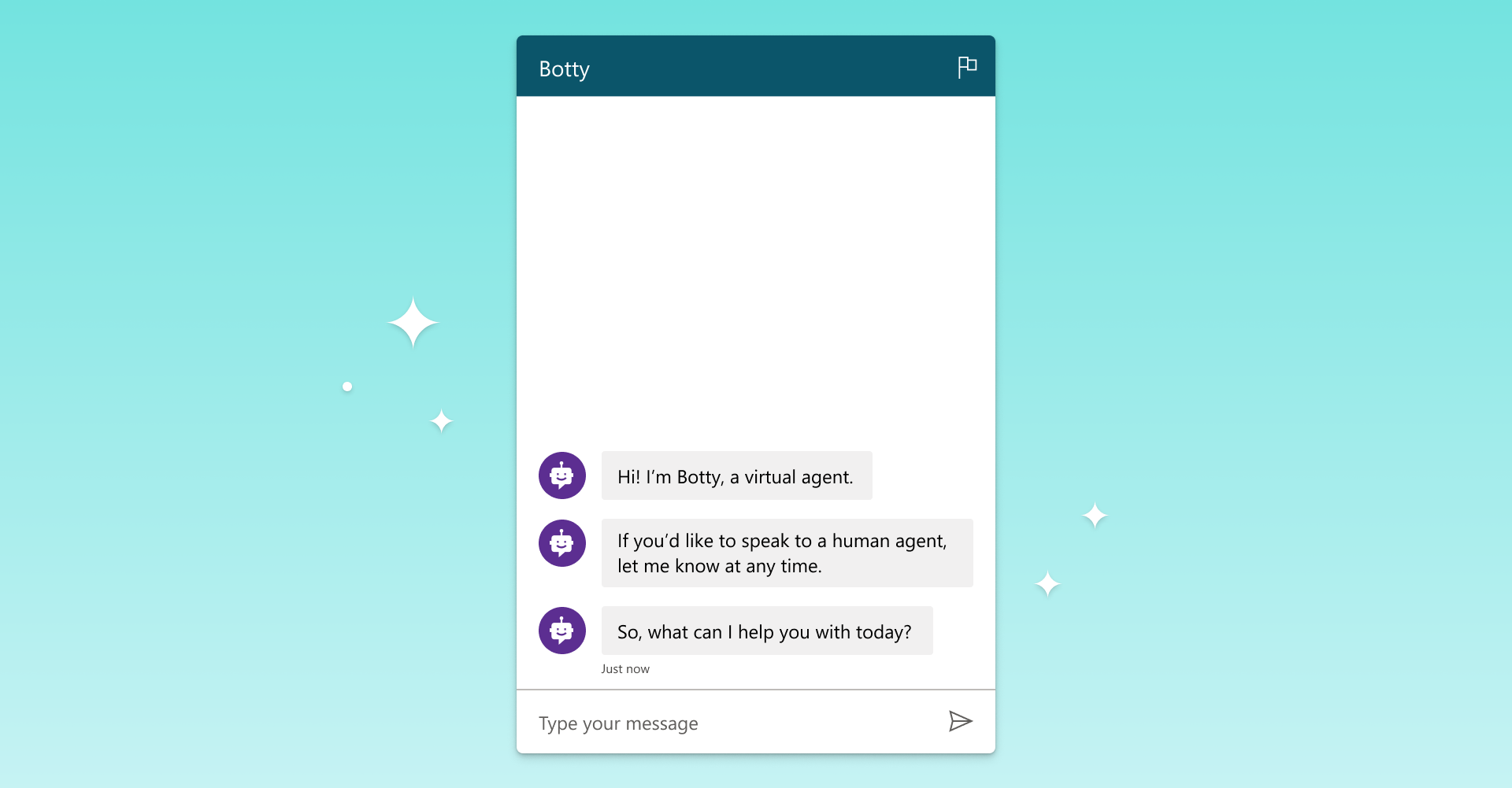
Make your Power Virtual Agents bot start the conversation using a custom canvas
Power Virtual Agents now enables you to make your bot start the conversation using a custom canvas.
Learn how agentic AI can help automate and execute business processes for different teams.
Power Virtual Agents now enables you to make your bot start the conversation using a custom canvas.
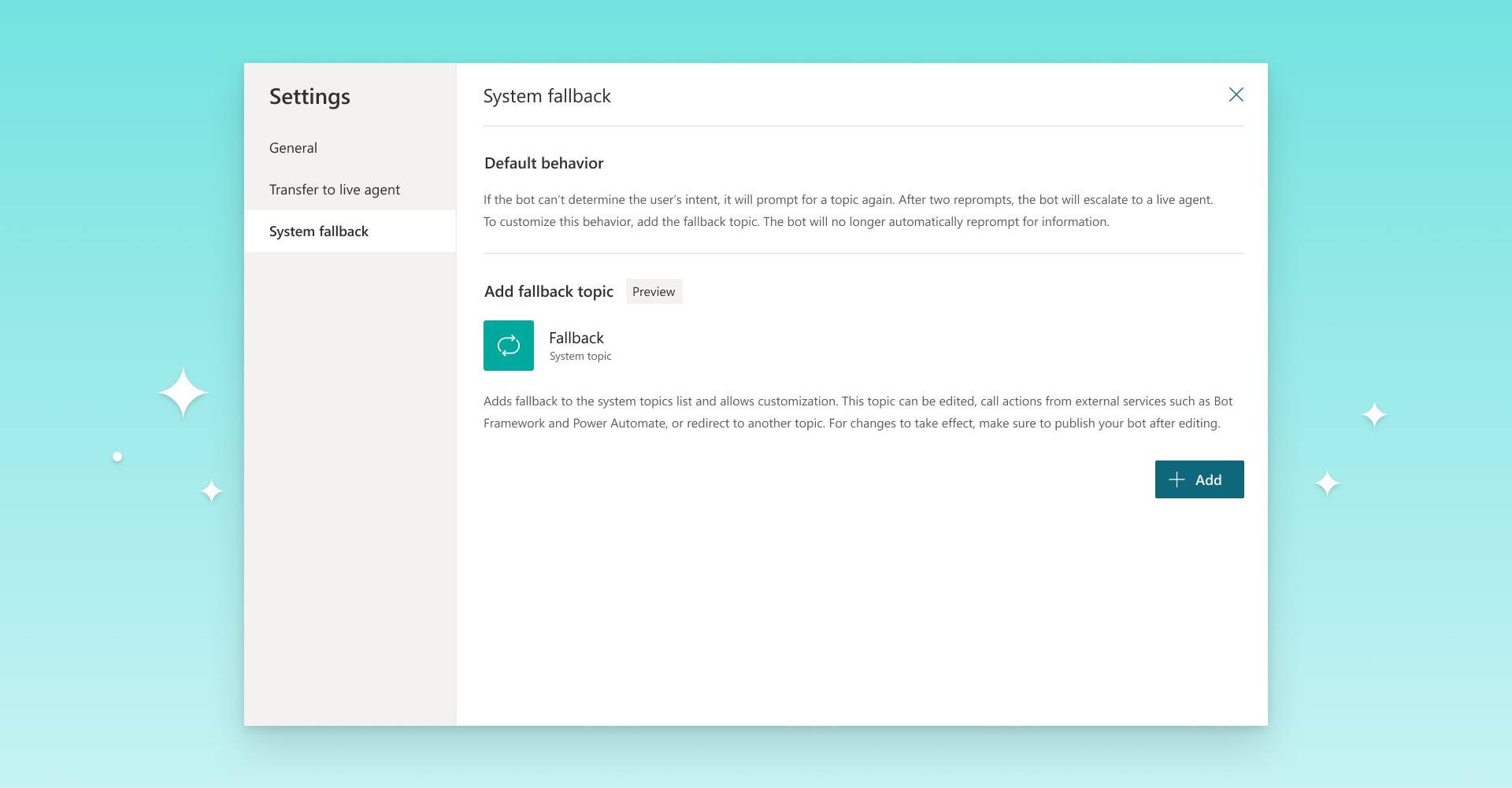
Add the System Fallback topic to customize the bot behavior when no intent is triggered.

Announcing the availability of the ‘Power Virtual Agents in a Day’ training designed to on-board and train bot authors and business analysts to quickly come up to speed creating and analyzing chatbots with Power Virtual Agents in a single day.

A webinar to walk through the best practices and tips for building a crisis response chat bot for your organization. When: May 1st 10AM PST Where: https://aka.
We are excited to share the first wave of new product features that will become available in the April and May timeframe, including new languages, collaboration across multiple authors and many more.
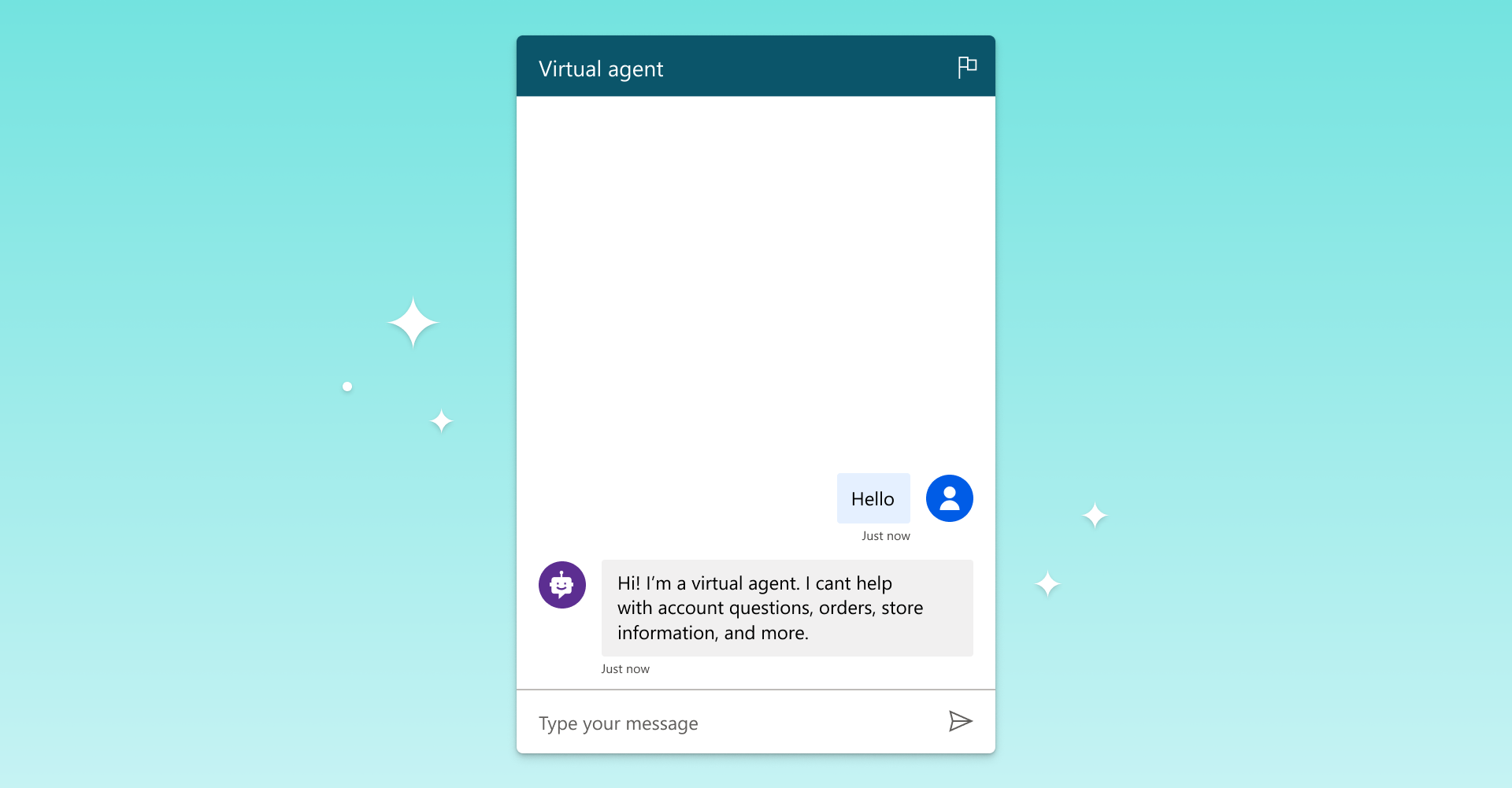
Customize your bot’s default canvas icons and name using a custom HTML snippet.
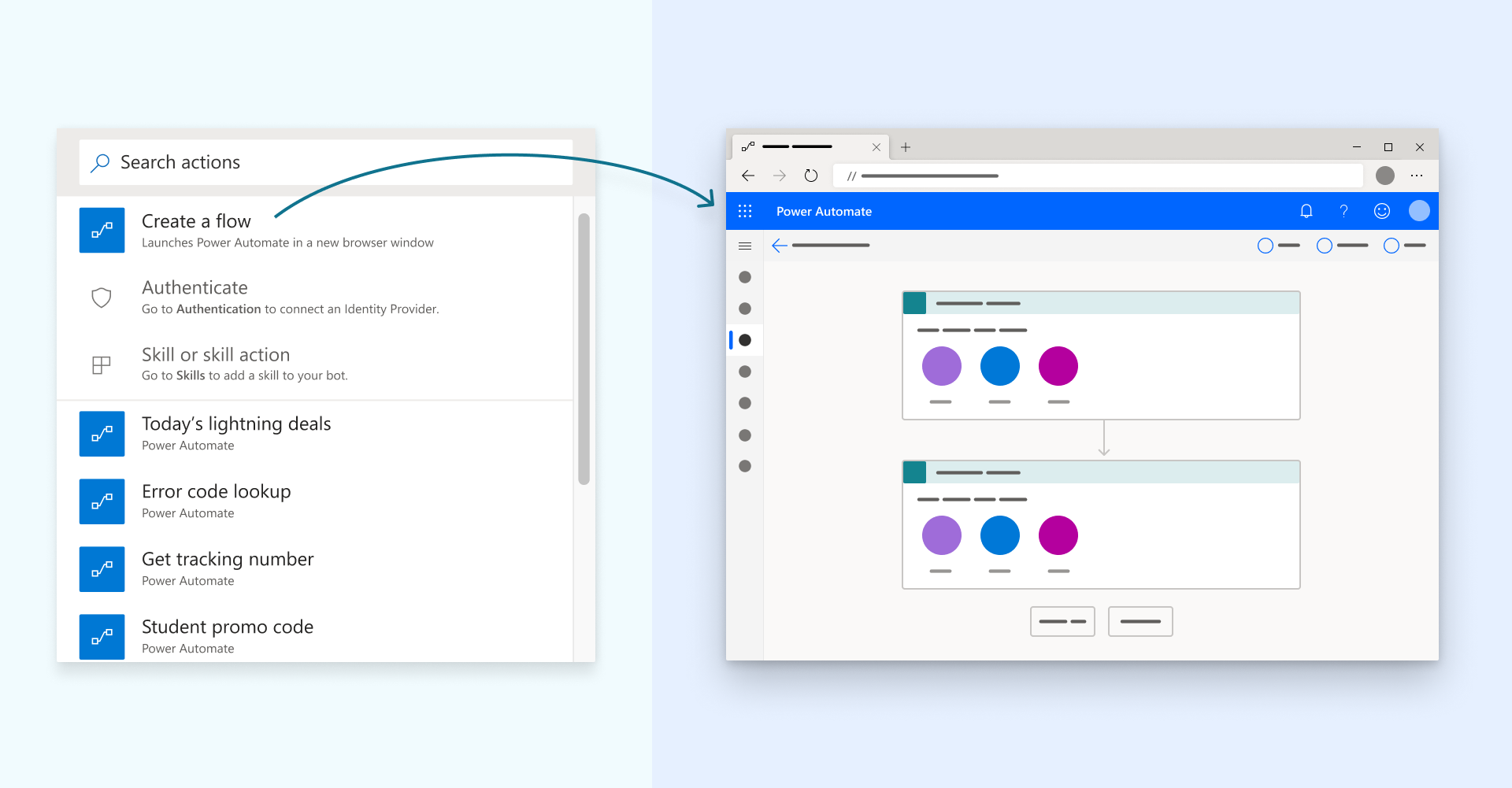
All Power Automate flows created from Power Virtual Agents are now solution-aware and available to your bots right away.
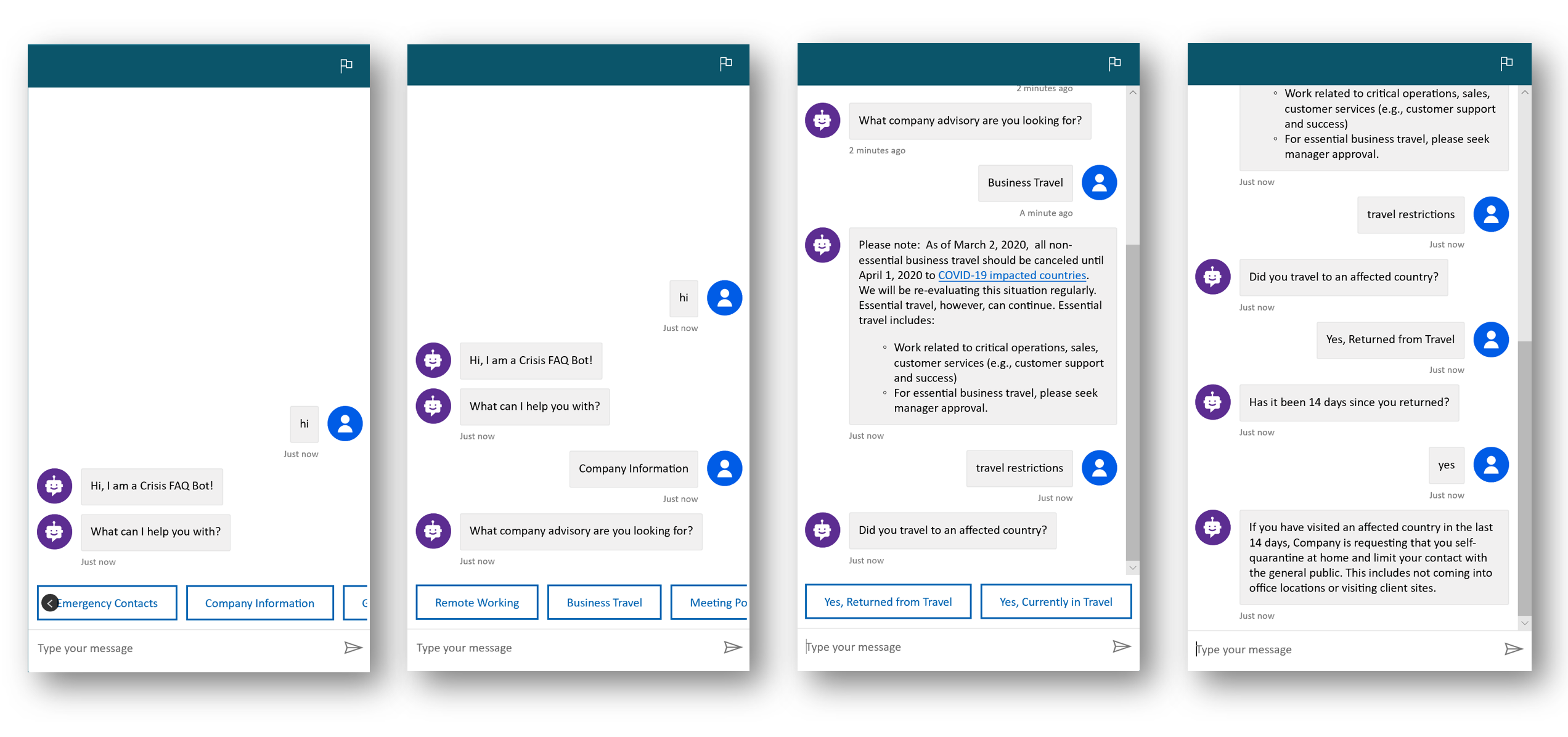
Best practices and tips for building a Crisis FAQ Bot using Power Virtual Agents

Power Virtual Agents now enables you to view and export your bot’s conversation transcripts beyond 30 days by managing transcript retention time.
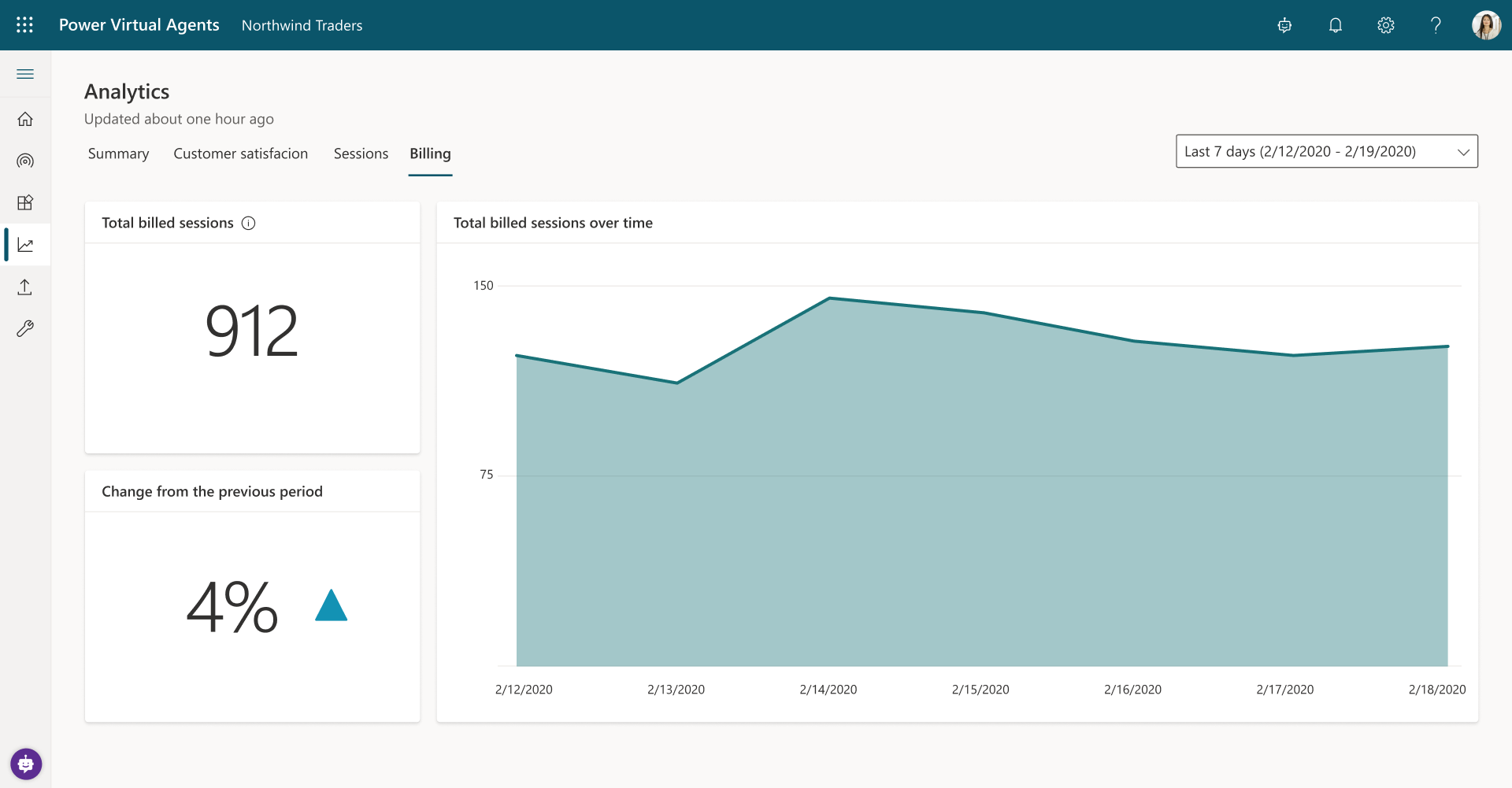
Extending Power Virtual Agents analytics so you can see how many billed sessions your bot has consumed.
A new Power Virtual Agents Connector – a no-code, UI-based Power Automate Connector designed to create flows for Power Virtual Agents with no JSON coding required, is now available to Power Virtual Agents users in all regions.
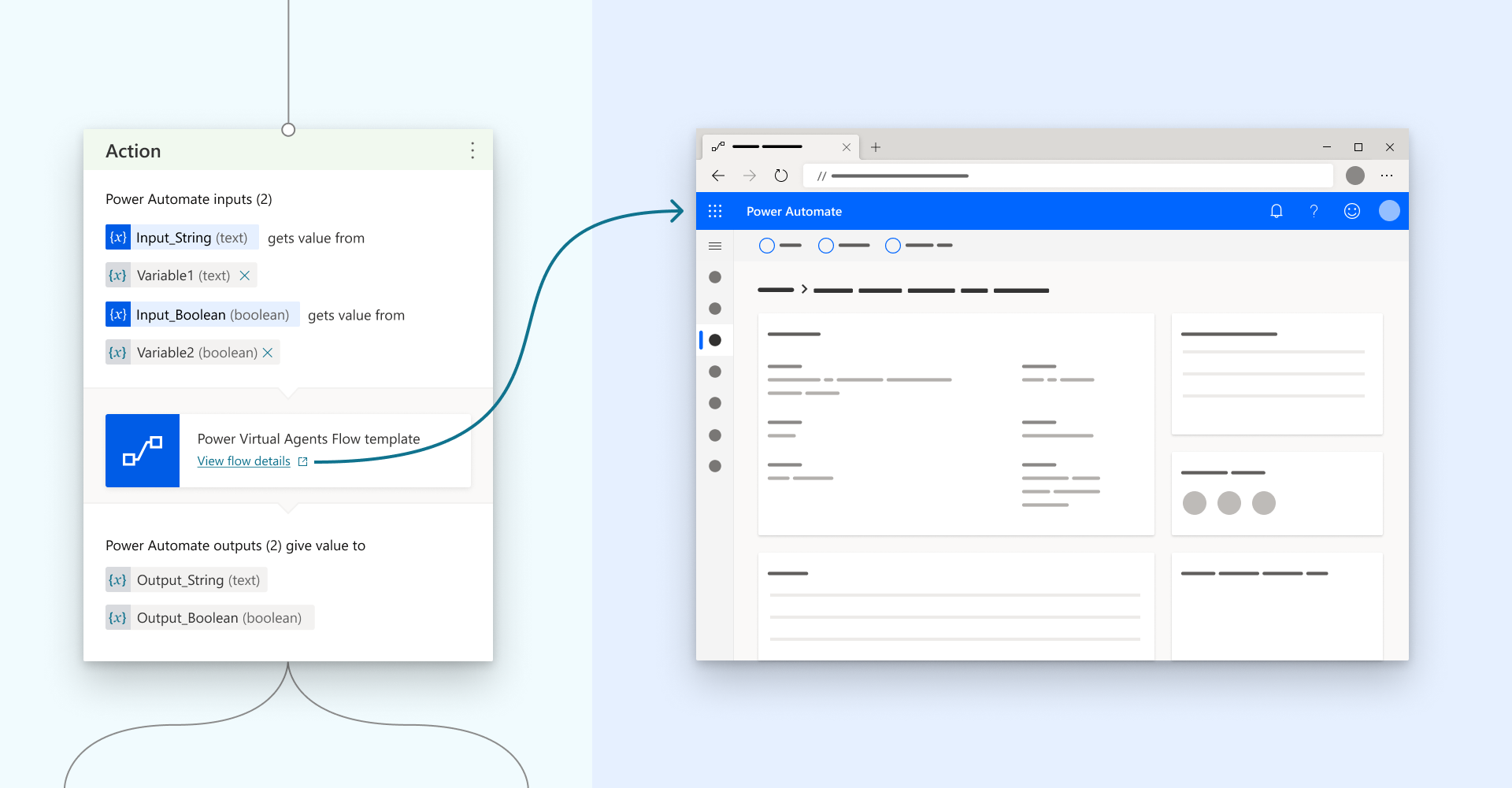
Access and edit your bot’s Power Automate flows directly from the Power Virtual Agents authoring canvas.
Streamline business processes across your organization by building custom agents with low-code tools and generative AI.