Thinking about making the change to Office 2013?
Changes bring exciting new features, but new versions of your favorite software can take a bit of getting used to.
To help ease the transition, we’ve put together nine handy Quick Start Guides that introduce you to the newest versions of Microsoft Word, Excel, PowerPoint, OneNote, Outlook, Publisher, Access, Project, and Visio.
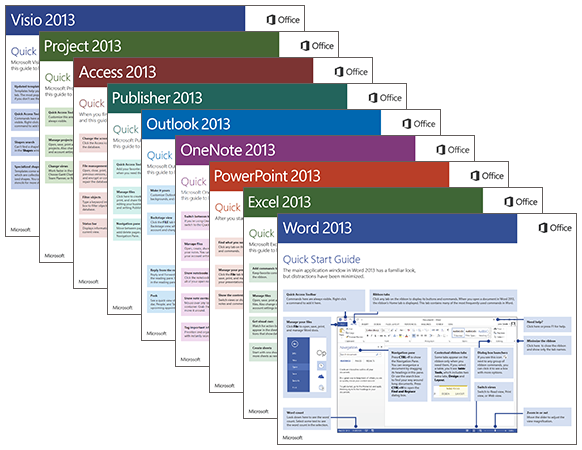
Whether you’re coming from a previous version of Office and just want to see what’s changed, or you’re entirely new to Office and want a quick overview of how to get to the most important things, each guide provides helpful information that we’ve based directly on feedback from customers just like you.
While you’re viewing any guide, you can save a copy of it to your computer for later viewing, navigate through all of its pages (each guide has several), zoom in to get a closer look at any of the screenshots, or search for feature names or keywords to quickly find something in the text.
If you find these guides useful, please share this blog post with your colleagues and friends who use Microsoft Office programs. And please leave us a comment below to let us know what you like about these guides or how we might improve upon them.
Thanks for giving them a try!