Skip to main content Explore Microsoft 365 apps Pricing for individuals Microsoft 365 Personal Microsoft 365 Family Microsoft 365 Premium Microsoft 365 Pro Student discount pricing Pricing for business Microsoft 365 Business Standard with Copilot Microsoft 365 Business Premium with Copilot For small business For schools For government Pricing for enterprise Microsoft 365 E3 Microsoft 365 E5 Microsoft 365 E7 For enterprise For frontline workers For nonprofits For government Meet Copilot Copilot Chat AI Agents Daily Prompt Guide Plans and pricing Microsoft Teams Word Excel PowerPoint Outlook OneDrive SharePoint Planner See all apps and services Microsoft Office Windows 365 Microsoft Viva Microsoft Edge Microsoft Agent 365 Plans and pricing Learn to use Copilot Copilot learning center Cost savings Accounts and billing FAQ Setup and install Templates Training What's new Microsoft Frontier Program AI at Work Roadmap Microsoft 365 Blog Small Business Resource Center Get started guide Self-help resources Billing support Community Contact Microsoft Support Self-help resources Admin self-help Support plans Find a partner Contact Sales Community Self-help resources Educator Center Request support Contact Microsoft Support Community Become a partner Partner resources See all support Try for free

Try Microsoft 365 Copilot

Available on desktop and mobile devices

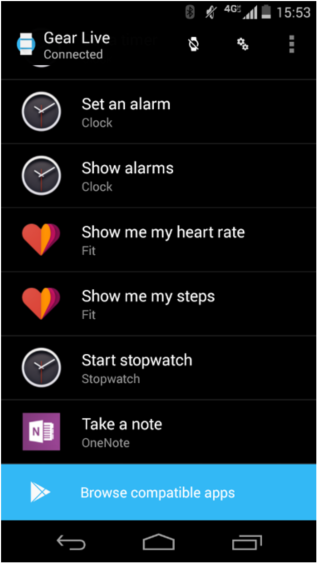
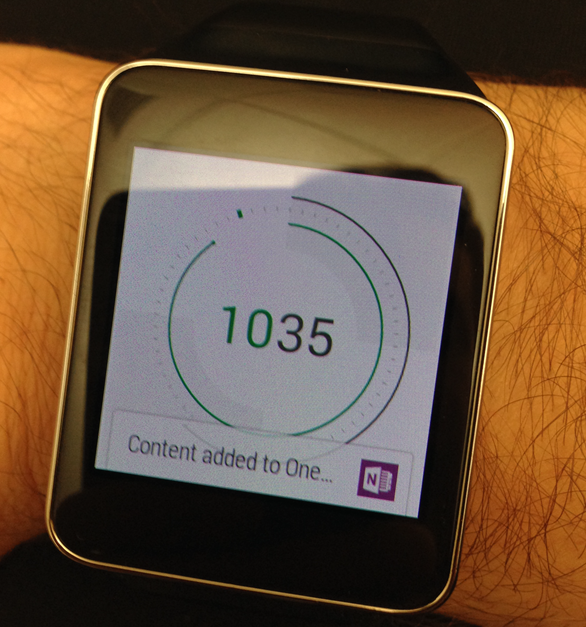
Android Wear watch take a note

One of our primary goals is to help you capture ideas and information in new and innovative ways. Features like Quick Notes, Cortana, and Office Lens have made it easy to preserve those flashes of brilliance and today we’re adding Android Wear watches. Simply install the free OneNote for Android Wear app from the Play Store and start dictating notes to your heart’s desire.
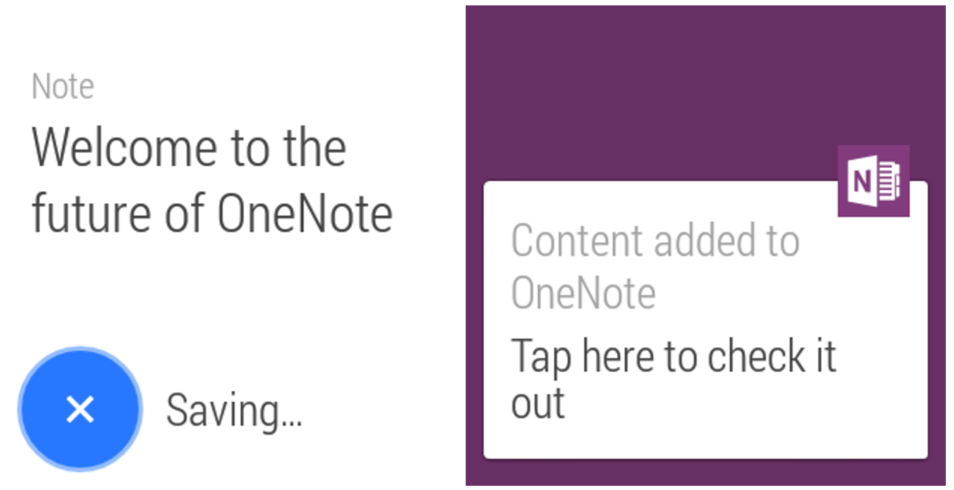
Future of OneNote
Android Wear watch

OneNote for Android Wear requires an Android phone (running Android 4.3 or higher; compatible with Android Wear) and an Android Wear watch.

We hope you enjoy using OneNote in a manner even Dick Tracy would envy!”

—Nick Barnwell on behalf of the OneNote team