We love connecting with students, hearing their experiences, and helping them discover their passions and desired paths, particularly as they venture into the workforce.
No two students are the same, and as they learn, communicate, and grow in different ways, educators understand that supporting individual needs can make all the difference.
Today, we’re announcing a simple and affordable licensing option for our education customers, Microsoft 365 A1 for devices, and a new way to engage your students with Microsoft Teams Content from camera.
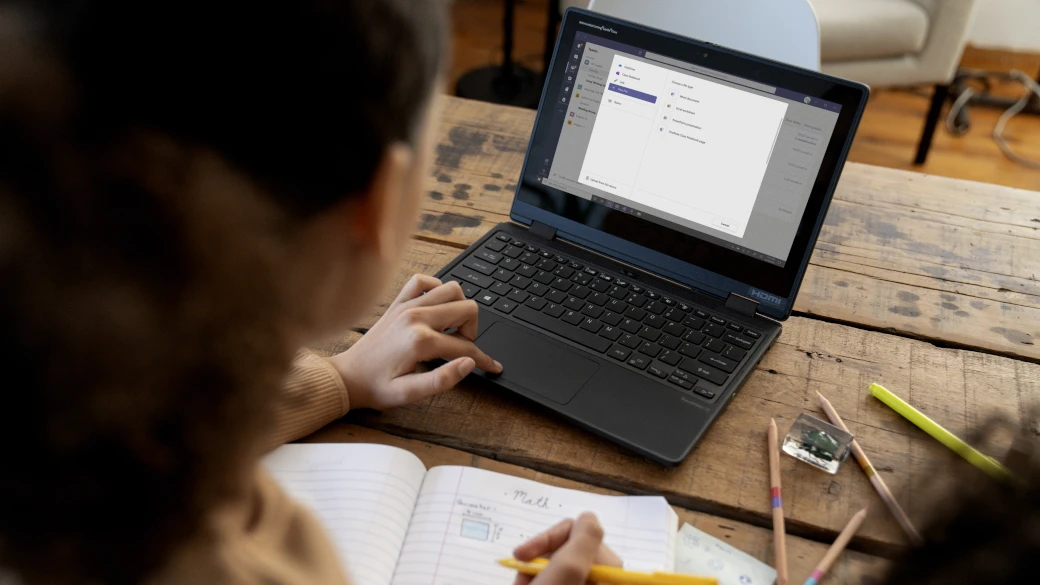
Whether you’re a school leader looking to bring together learning resources or an educator looking to bring out the best in your students, Microsoft Teams puts your classroom tools into one powerful platform.
Whether you’re looking to organize your virtual classroom in Microsoft Teams or incorporate more robust social-emotional learning tools and techniques into your students’ daily lives, Microsoft Education’s learning management system (LMS) partners can help you build a more engaged and connected classroom.
Whether you’re preparing for a new school year or are already in the thick of one, there is no better time than now to recommit to classroom organization with the help of Microsoft Teams.
Reading comprehension is an essential part of any student curriculum, and recognizing the learning gap that the pandemic has created, it’s especially important that each student gets the chance to build their reading skills and increase their confidence in turn.
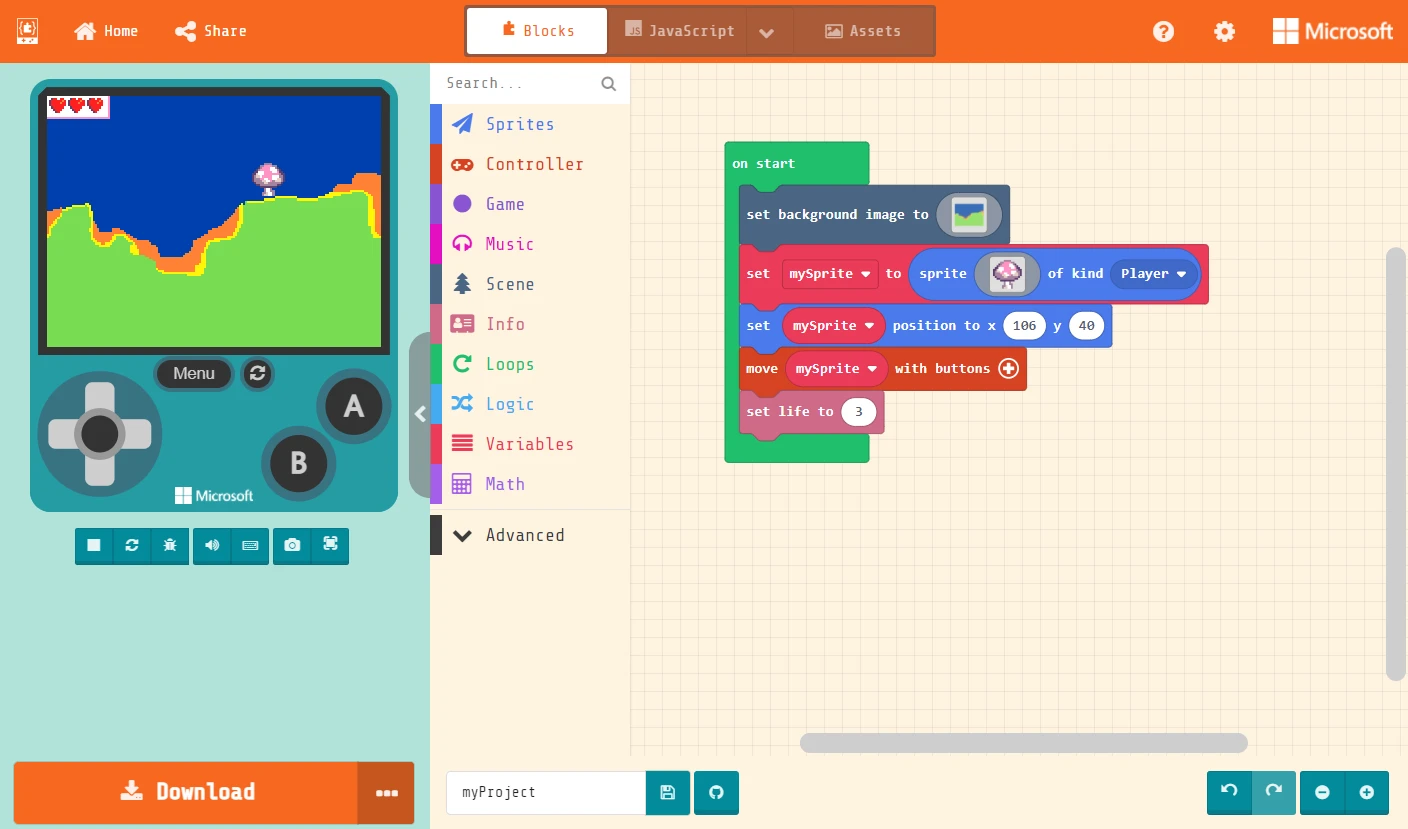
In partnership with the United States College Board organization, whose mission is to expand access to higher education for every student, Microsoft is proud to announce a free new curriculum resource for high school educators who teach the College Board’s Advanced Placement Computer Science Principles course.