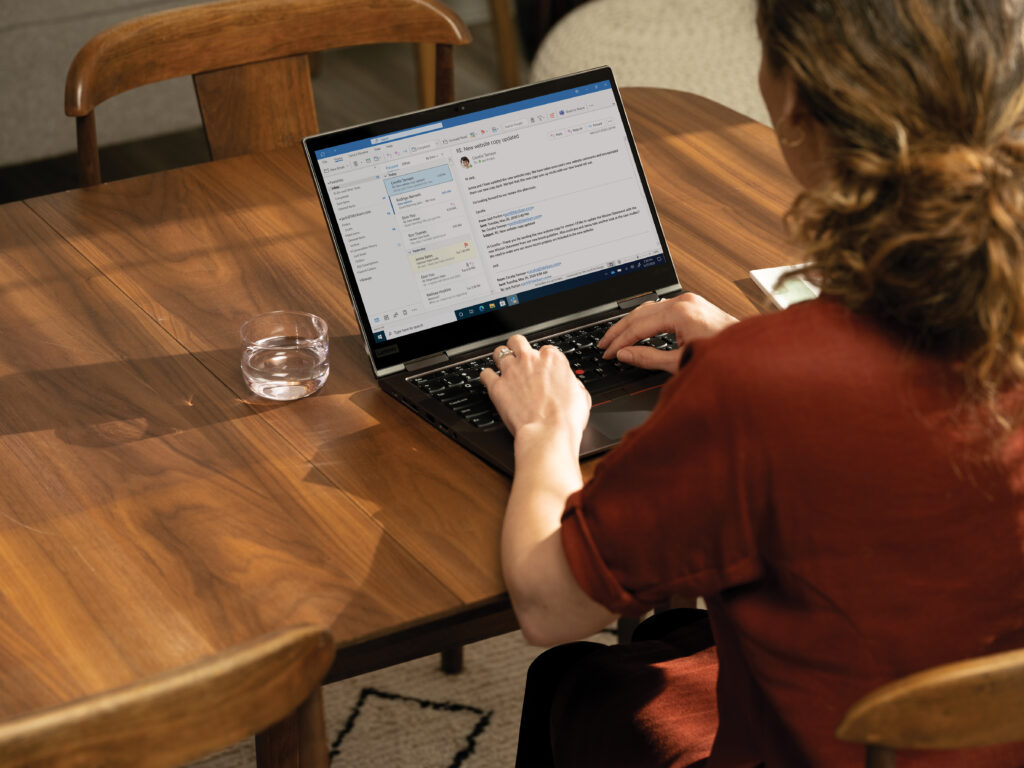
There’s a lot for educators to keep up with, like new technologies, upcoming events, students’ emotional and academic needs, and professional development. Luckily, managing all of that gets a little easier with the Microsoft Educator Center monthly newsletter, which shares the latest information about Microsoft Teams, Flipgrid, Minecraft, and more.
This valuable collection of time-saving tips, creative lesson ideas, tech insights, and learning opportunities helps educators support student learning while enhancing their own skills and knowledge. Plus, it’s a quick read, with skimmable text and convenient links to more in-depth information.
Content that’s useful, actionable, and inspiring
The newsletter covers all grade levels, from kindergarten through higher ed, and subjects from STEM to SEL. It includes immersive activities, student workshops, virtual events, support resources, and online classes to help educators further their own skills.
For example, they might learn how to take students on a virtual field trip with Flipgrid events, get a link to a free demo experience from Minecraft: Education Edition, or access a library of student workshops like virtual museum tours and book readings.
They’ll also get the latest on Teams features, video tutorials, upcoming events, and special offers—all especially helpful for educators during remote and hybrid learning.
Check out highlights from the latest newsletter
BettFest now on-demand
Thanks to all who joined us for BettFest 2021 live! If you couldn’t attend the live event, you can still find much of the content online, available for on-demand viewing.
While you’re there, check out the Microsoft Hub for exclusive partner resources, free product demos, on-demand content, and more.
Microsoft Teams resource center
Teams is one tool that can help with educators’ administrative and classroom tasks, save teachers time, and teach students future-ready skills. Learn all the ways that Teams, alongside other Microsoft 365 tools, can help you, and how to get the most out of its many capabilities. Access resources to help you streamline your work today.
Tracking trends with Insights
Quickly identify assignment and grading trends
See how students are progressing with assignment and grading trends in Insights. Use the data to identify students who could use some extra support. Take a closer look with the demo linked above.
Digital activity report
An Insights digital activity report can tell you how active students are in Microsoft Teams. It shows when a student opens a file, visits a channel, attends a meeting, and more. Watch the tutorial above to see it in action.
Take teaching to the next level
Microsoft’s free educator newsletter can help boost productivity, efficiency, creativity, and professional development. To get started, sign up today.