Today’s post was written by Reuben Krippner, director of product management for the OneDrive team.
We’re continually working on making the OneDrive experience on Windows 10 even better. Today, we’re releasing an update that brings the OneDrive app to your Windows 10 PC and the Surface Hub.
The new OneDrive sync client already comes pre-installed on Windows 10 PCs, allowing users to easily access their synced files through File Explorer. But this new app is a great touch-friendly complement to sync that lets you open, edit and share any of your personal or work files without having to sync them to your device.
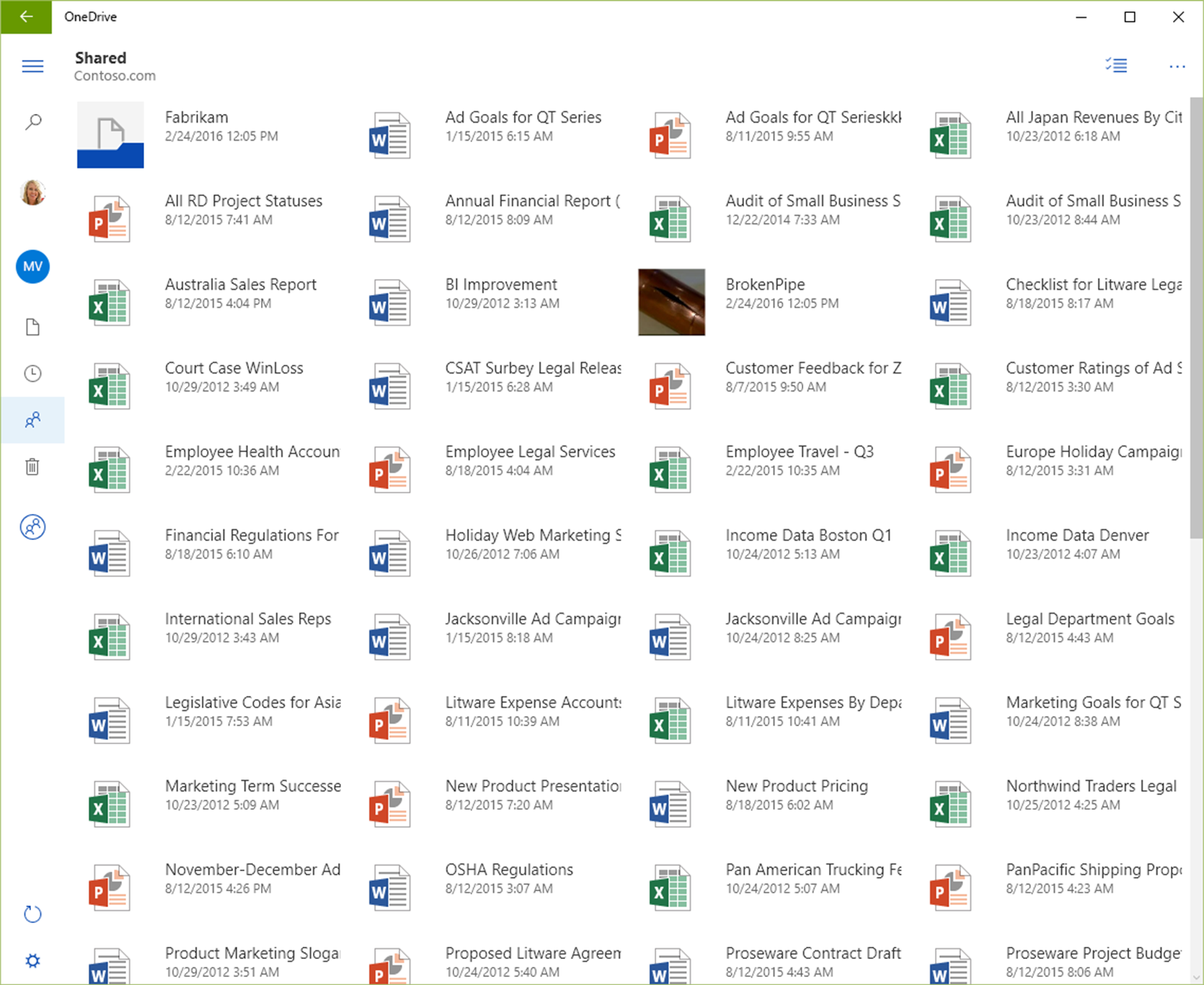
Additional features previously only available in the browser experience are also available, such as restoring files from the Recycle Bin, easily dragging and dropping files to the app to upload them, quickly accessing recent documents─which will open directly in the Office applications on your computer─finding files shared with you by others and more.
This update delivers OneDrive experiences to even more devices, and we will bring other capabilities to this platform over time. As we announced last week, this app will also provide an easy and lightweight way to access your company’s SharePoint libraries, and we look forward to sharing additional details on what else we’re working on very soon.
In the meantime, make sure Windows 10 is up-to-date and head on over to the Store to download the app.
—Reuben Krippner