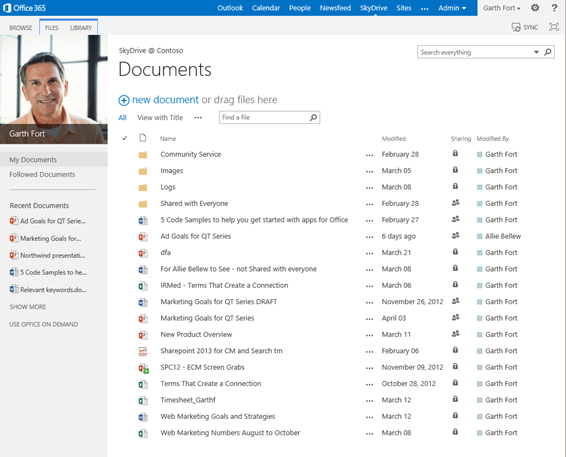
We are pleased to announce that the SkyDrive Pro sync client is now available for Windows. This standalone client allows users of SharePoint 2013 and SharePoint Online in Office 365 to sync their personal SkyDrive Pro and any SharePoint 2013 or Office 365 team site document libraries to their local machine for access to important content on and offline. The SkyDrive Pro client can be installed standalone and does not require any version of Office to be installed. It can also be installed side-by-side with previous versions of Office (Office 2010, Office 2007).
Please note if you have one of the following versions of Office 2013 installed, then you already have the SkyDrive Pro sync client and do not need to install it separately:
- Office 365 Pro Plus
- Office 365 Small Business Premium
- Office Professional Plus 2013
Once installed, simply click SYNC in the top right corner of your SkyDrive Pro library, SharePoint 2013 or Office 365 team site document library and you’ll be on your way to keep your files in sync across your machines. Happy syncing with SkyDrive Pro–cloud storage for employees!