If you add all your bibliography sources when you’re writing a paper in Microsoft Word, can you export them and move them to another computer?
This question came up recently, and here’s how it works.
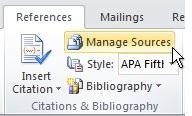
When you’re in Word, click the References tab, and then click Manage Sources (it’s in the Citations & Bibliography group).
Microsoft Word
Put your best words forward with an Office 365 subscription.

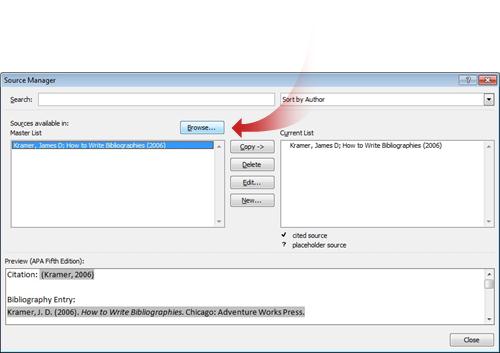
Next, click Browse.
The window that opens up contains your source file–for example, Sources.xml.
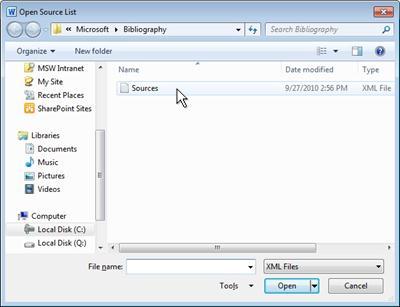
From here, you can copy the file to a disk or a server, so that you can save it onto another computer.
After you’ve copied the file, start Word on the computer that you want to add the sources to.
Click the References tab, click Manage Sources, and then click Browse.
Browse to the file that you saved, and then click OK.
— Joannie Stangeland