A new tab page, inspired by Copilot

The browser built to get things done
Get Edge on your phone

Copilot is built-in to help you get things done in Edge. It's loaded with features to help you accomplish your goals on the go.
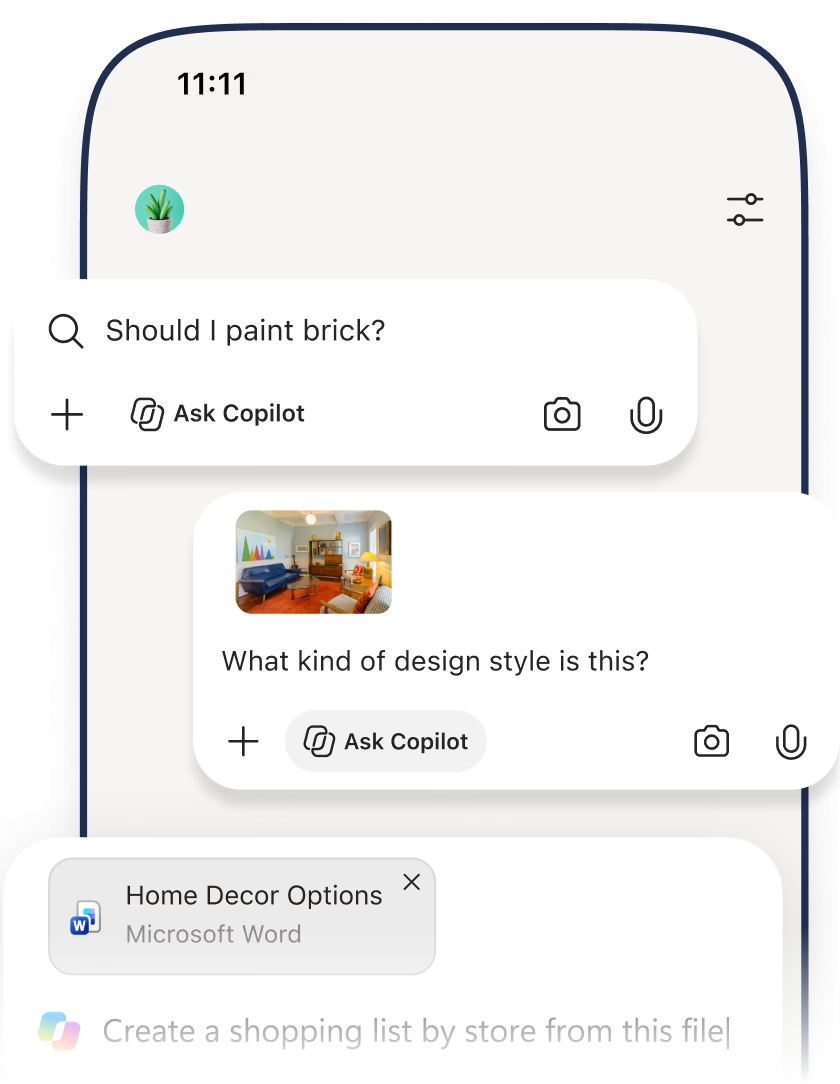
A new tab page, inspired by Copilot
Ask a question, search the web, or go straight to a site, all from your Copilot new tab. Move from chat to search to browsing in one smooth flow.
Browse smarter with quick summaries
Copilot helps you summarize webpages, videos, and articles in seconds, so you can quickly find key insights without endless scrolling.
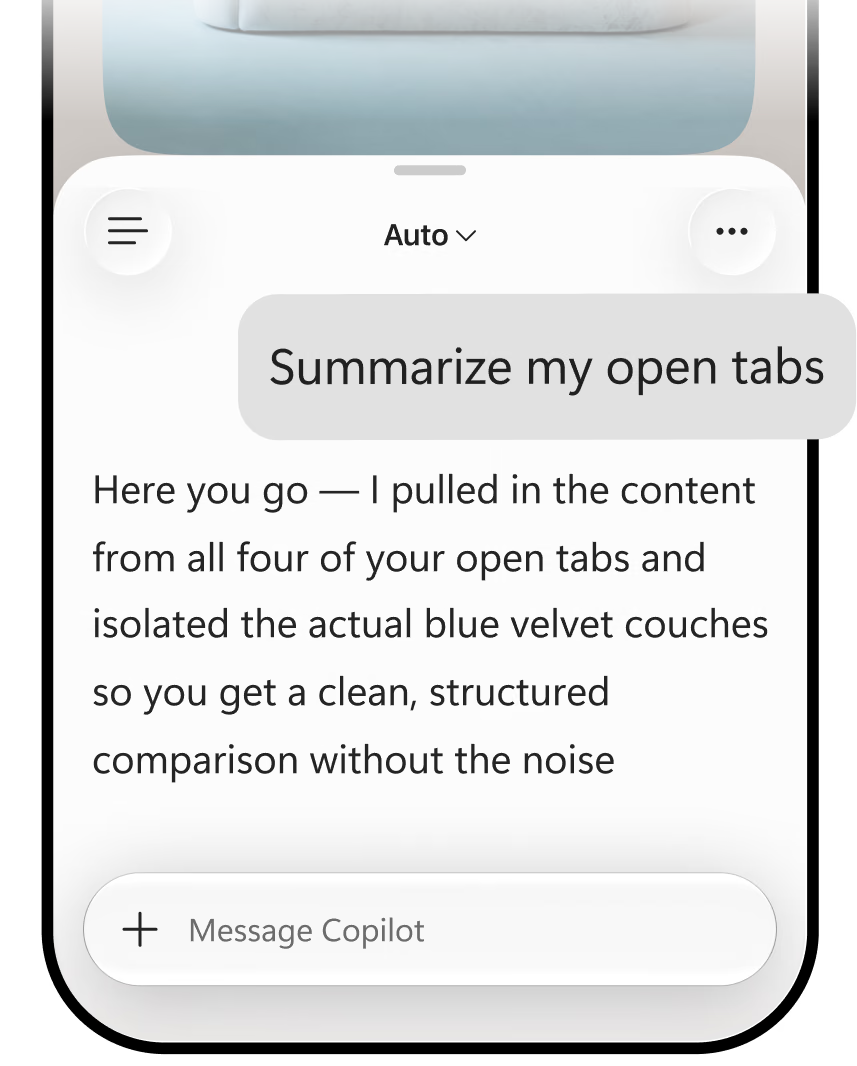
See the full picture, get better answers
Copilot can summarize your open tabs and browsing history. Turn open tabs into clear insights — so you can compare information and move forward with confidence.
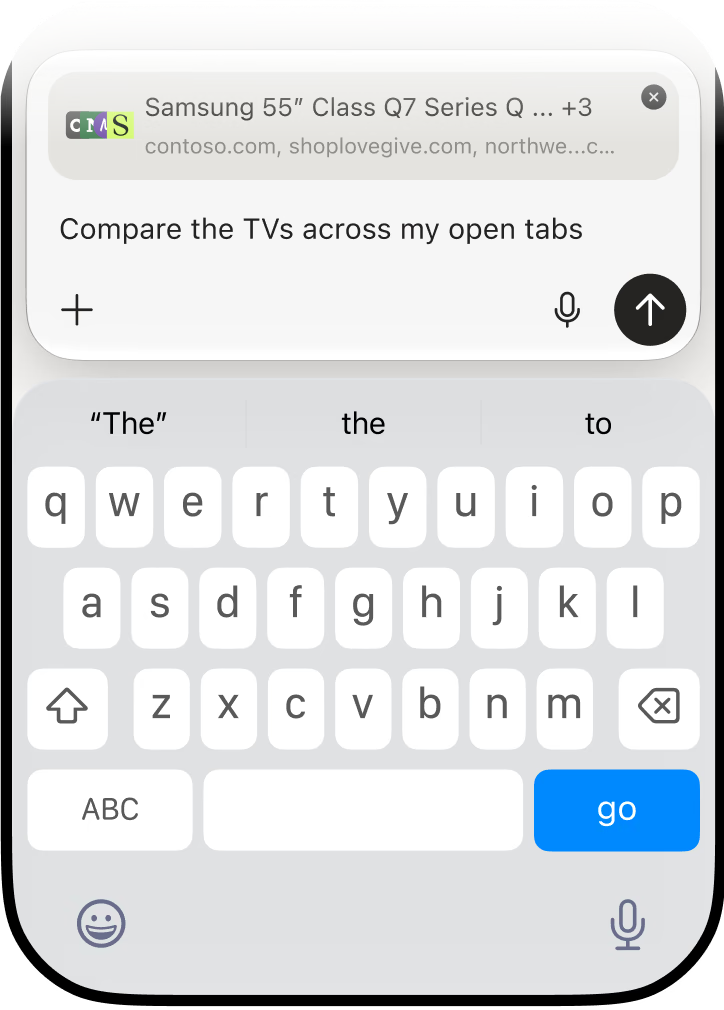
No more endless tabs
Copilot in Edge cuts through the noise, helping you compare options, find what matters, and move forward faster.
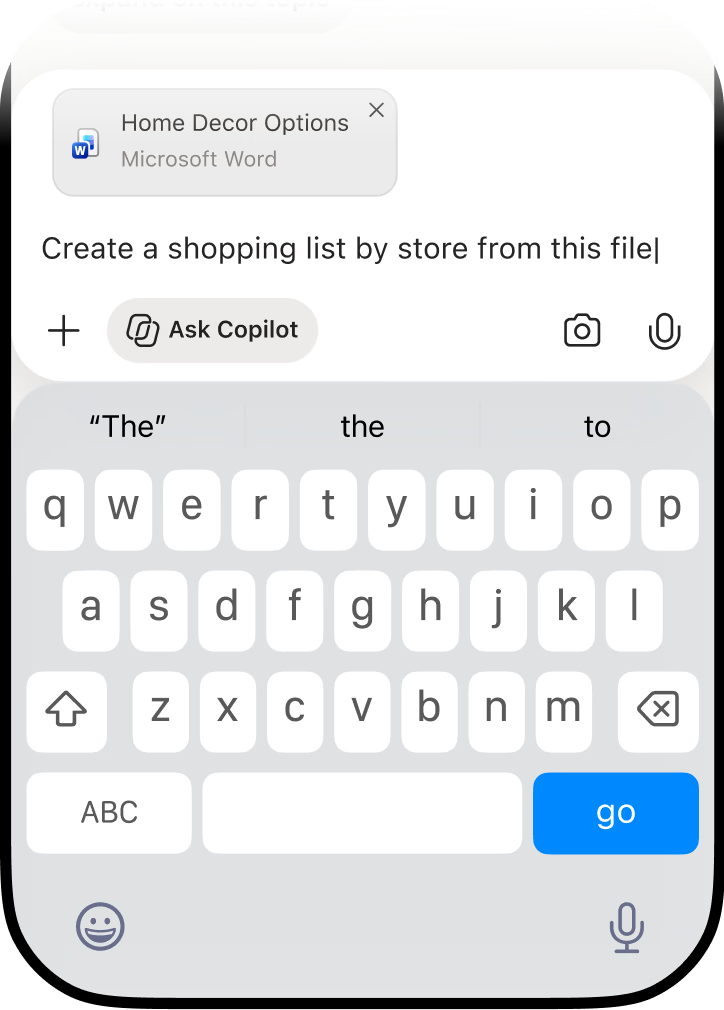
Discover more features available in Edge
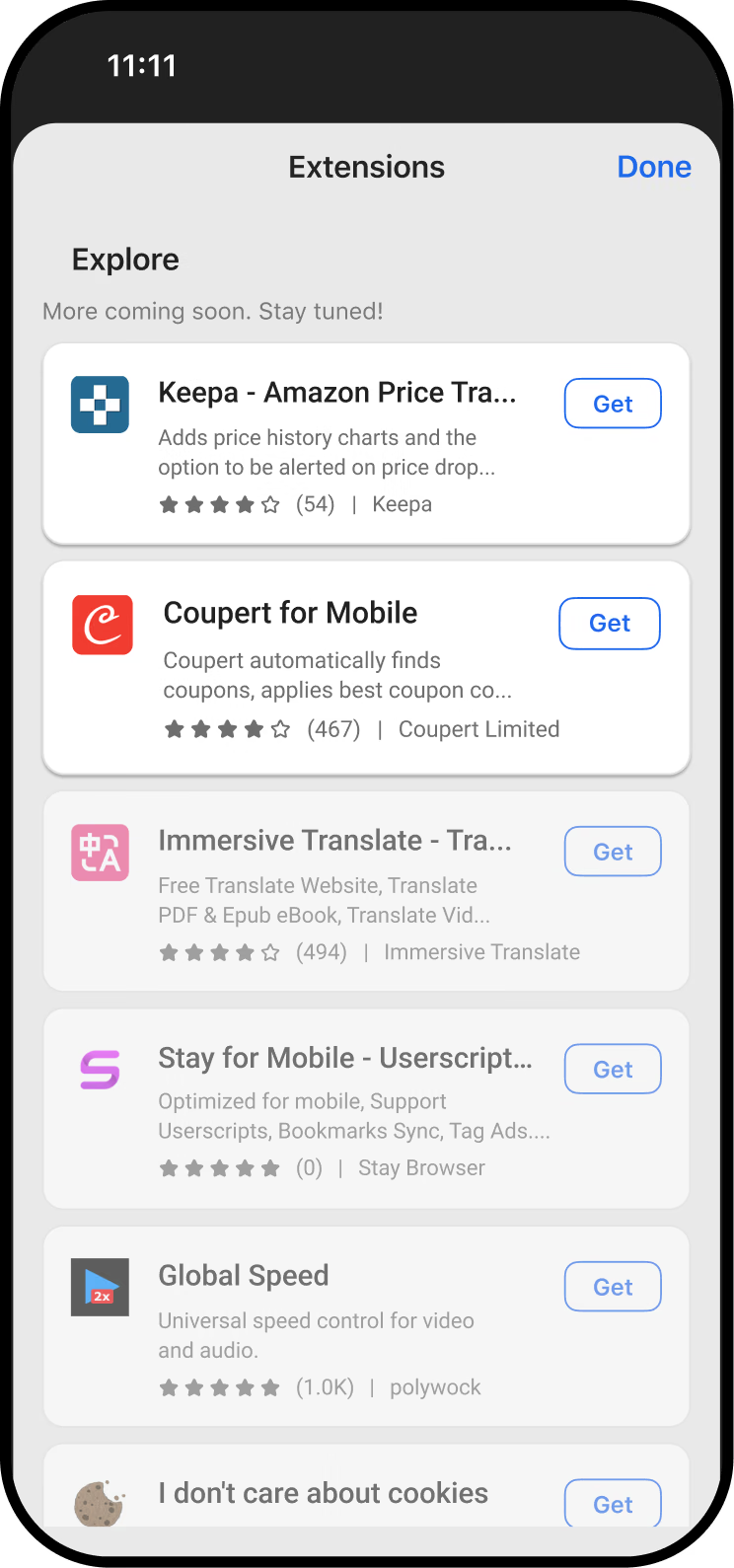
Edge has many extensions that help you customize your browsing experience on any device and make your browser uniquely yours. Supported extensions may differ between operating systems.
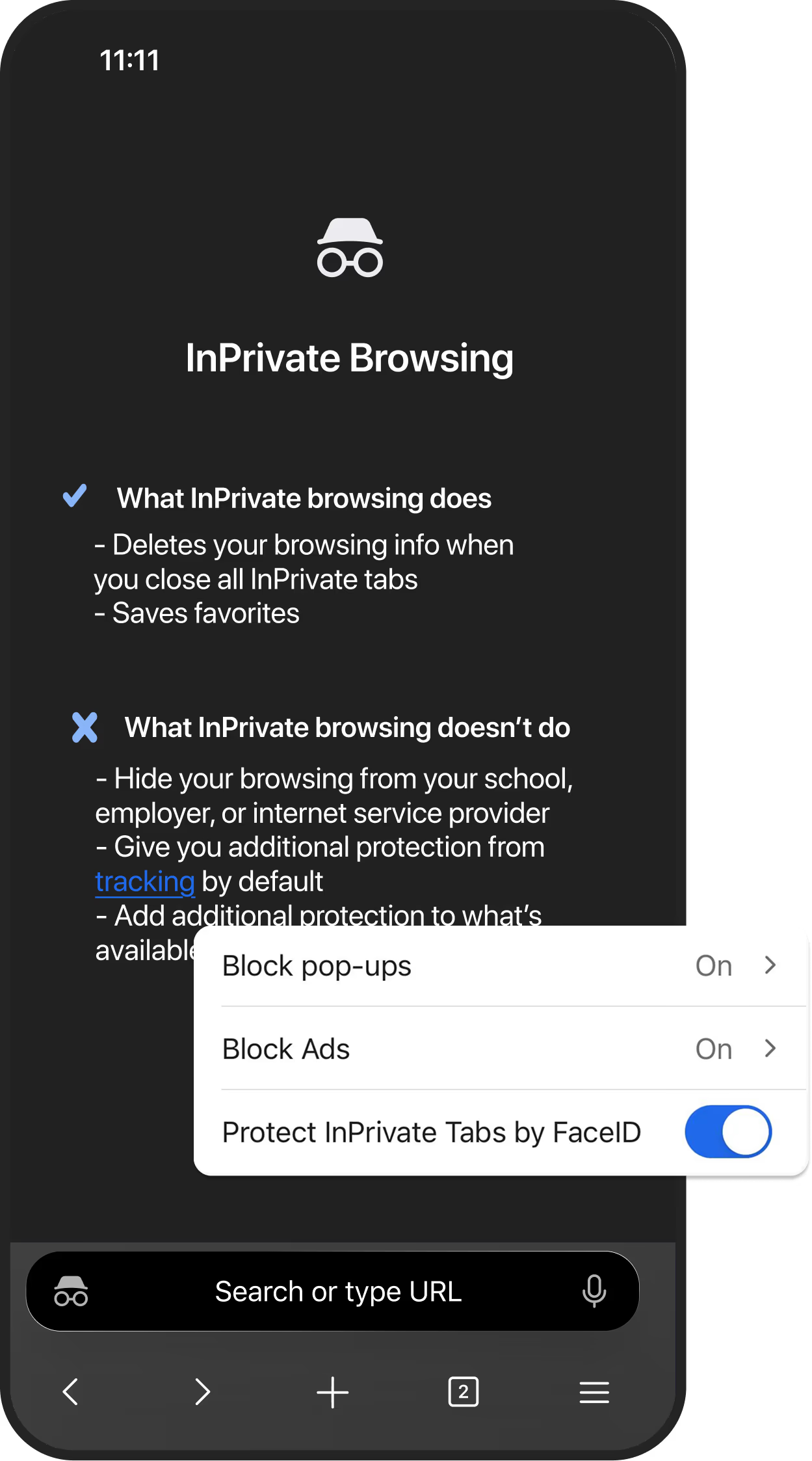
Browse with more privacy
Shop, search, and explore with added peace of mind. InPrivate helps keep your activity private and clears your browsing data when you close your tabs.
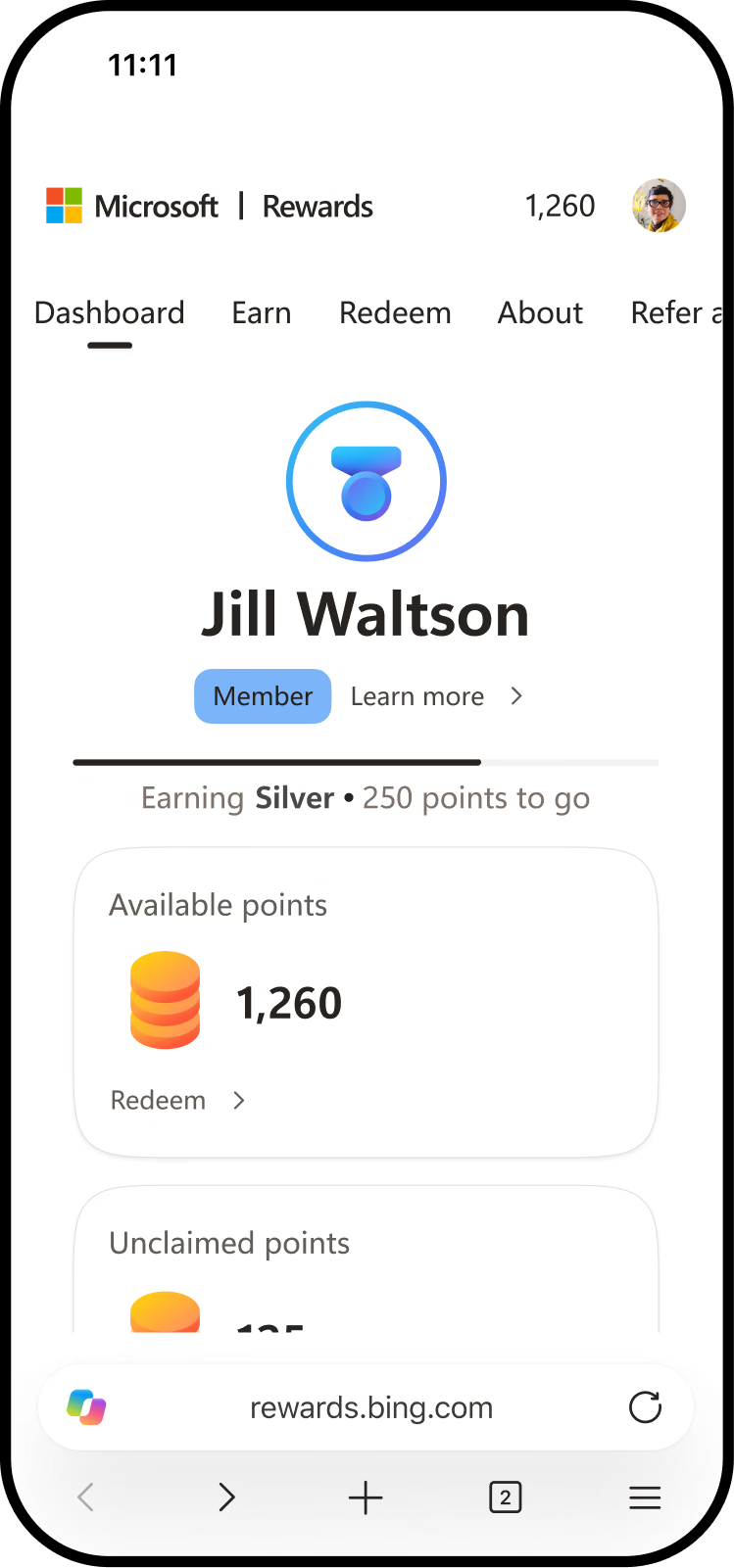
Earn Rewards as you browse
Earn Microsoft Rewards points with Bing searches in Edge and redeem them for gift cards, sweepstakes entries, and more. To earn Microsoft Rewards points for browsing, you must be logged into the Edge browser with your Microsoft account. Please read the Microsoft Privacy Statement for a description of how Microsoft uses your personal information.
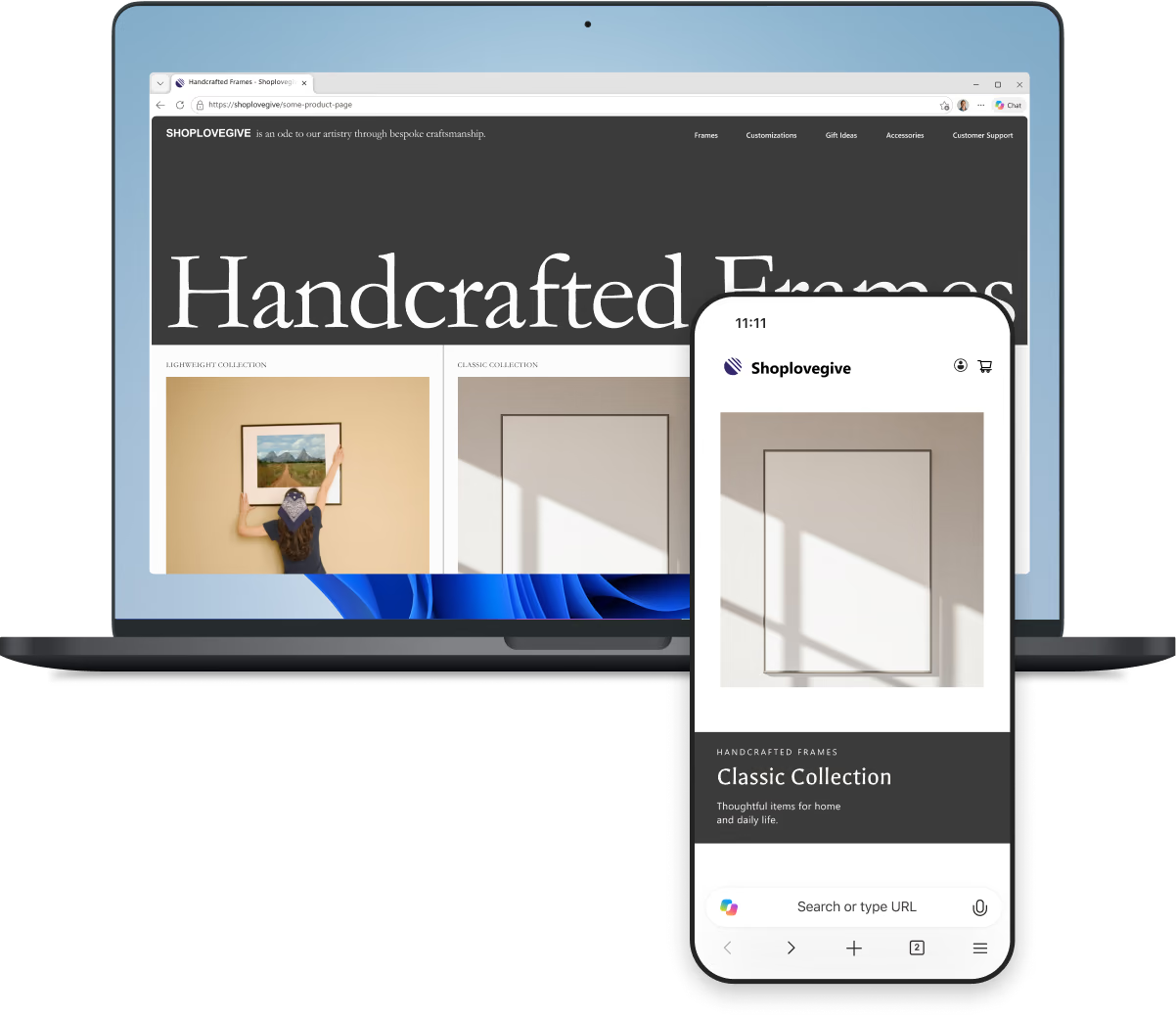
Stay in sync across devices
Sign in to Edge to access your tabs, favorites, and passwords across your phone and computer, so you can pick up where you left off.
It's fast, reliable, perfectly designed, and the button layouts are flawless.
MyXstery
Google Play User

Very fast browser with great integration to Android.
Matt Q.
Google Play User
Edge is a very intelligent, intuitive and easy to use browser.
Larry B.
Google Play User
The best experience surfing the web.
Zaid A.
App Store User
It is tremendously helpful for reading articles and even PDF files.
Alex G.
App Store User
The Microsoft Edge Android app is fast, reliable, and user-friendly.
Shahib H.
Google Play User
What people are saying
Find out why millions of people choose Microsoft Edge. Hear directly from our users about the features and benefits that make the Edge mobile app stand out.

Take Edge with you
Get quick answers, compare across tabs, and get things done faster on your phone.
Get Edge on your phone