

Manage your secure enterprise browser with ease
Manage your secure enterprise browser with ease
Configure browser policies, AI controls, and more with the Edge management service in the Microsoft 365 admin center.

Configure browser capabilities with the Edge management service
Configure browser capabilities with the Edge management service
The Edge management service in the Microsoft 365 admin center makes it easy to configure browser policies, manage extensions and AI features, and customize the look and feel of Edge for your organization. Available now for Windows devices and in preview for iOS, Android, and macOS.

No deployment required
No deployment required
Edge for Business is already on Windows, so you can go straight to configuration—giving your workforce a work-ready browser the moment they sign in with their Entra ID.

Security updates without the interruption
Security updates without the interruption
Edge for Business can apply updates in the background while open tabs and work stay in place, with no restart prompt. Updates reach devices within minutes of availability, helping close the patch gap and keeping your users on a safer browser without interrupting their work.
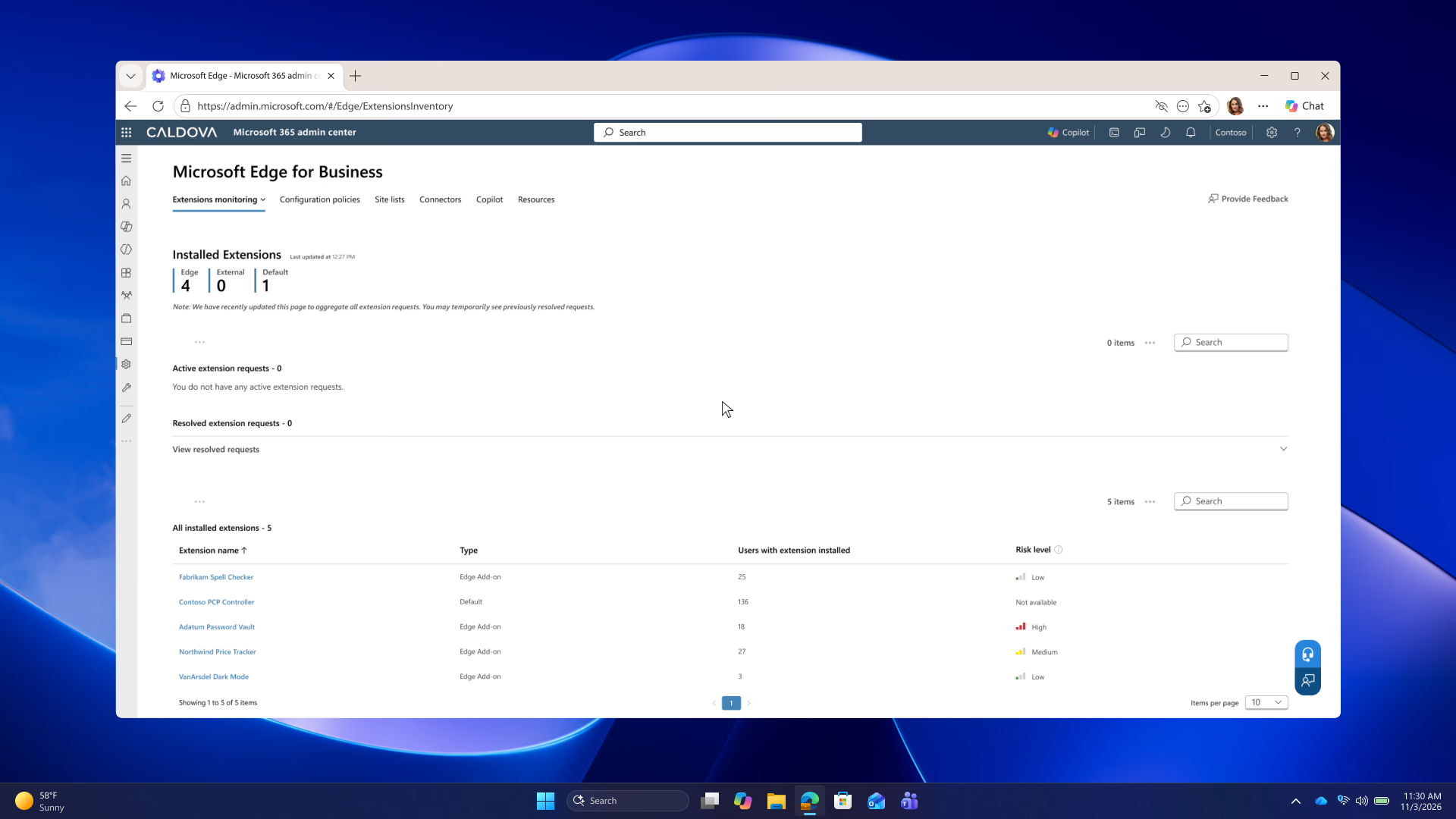
Get started today with three simple steps
Get started today with three simple steps




Turn browser security into a managed service
- * Feature availability and functionality may vary by device type, market, and browser version.